
Want to make stunning digital art without being an artist?
AI has made it possible for anyone to create impressive images in just seconds by typing a few words or uploading a picture. What once felt like a futuristic idea has now become an everyday tool for designers, marketers, and creators around the world.
In 2025, AI art generators are no longer just a trend; they have become a powerful tool for producing eye-catching visuals for social media, advertisements, games, and virtual spaces.
Instead of spending hours learning complex design skills, you can now bring your ideas to life almost instantly with the help of AI.
In this article, we’ll explain to you what AI art generators are, how to choose the right one, and highlight the best AI art tools of 2025. You’ll also find tips for creating better images and insights into where this fast-growing technology is headed next.
What Is an AI Art Generator?
![Describe this image in detail]. Al Art Generator : Al Art: Top Al Art Generators](https://getpixci.in/blog/wp-content/uploads/2025/08/Teknikforce-Blogs-2025-08-29T120640.262-1024x576.webp)
An AI art generator is a software tool that uses artificial intelligence, specifically deep learning models like diffusion networks and transformers, to create original images based on text descriptions. These systems have been trained on billions of images and can interpret natural language prompts to generate corresponding visuals.
AI art generators benefit different kinds of users:
- For artists and designers: Rapid concept development, style experimentation, and creative inspiration
- For marketers: On-demand custom visuals for campaigns without expensive photo shoots
- For content creators: Unique illustrations for blogs, social media, and websites
- For game developers: Character designs, environment concepts, and texture generation
- For hobbyists: Exploration of artistic expression without technical barriers
In 2025, these tools have evolved far beyond their early limitations, now offering unprecedented control over artistic style, composition, and detail while maintaining the spontaneity and surprise that make AI art so compelling.
How to Choose the Best AI Art Generator in 2025
![[Describe this image in detail]. Al Art Generator : Al Art: Top Al Art Generators](https://getpixci.in/blog/wp-content/uploads/2025/08/Teknikforce-Blogs-79-1024x576.webp)
1. Art Style Versatility
A good AI art generator tool should let you create many types of art. This includes realistic photos, anime, abstract designs, oil paintings, watercolor pictures, 3D images, and more. Think about whether you want a tool that’s good at one style or can handle many styles.
2. Quality of image and resolution
By 2025, high-end AI art generators will be capable of producing images with resolutions of up to 8K.
Higher resolution outputs mean more detail and larger print possibilities, but also require more processing power and often cost more. High-resolution image downloads and automatic resizing with the right assistance, like Pixci.
3. Usability and UI
Even for beginners, certain artificial intelligence art tools are made to be easy to use. For those who prefer greater control, others provide more sophisticated solutions. Select the one that best suits your level of tech comfort.
4. Options for customization and prompts
Today’s tools let you do more with prompts. You can add pictures, say what you don’t want to see, and adjust lots of settings to get the exact look you want. Tools like Pixci can help improve your prompts, and some uncensored AI art generator tools give even more freedom.
5. Usage Rights and Selling Your Art
If you plan to use the images for business, this is very important. Some tools let you fully own and sell the art you create, but others have rules or only allow it if you pay for a certain plan. Always check the rules before using the art for work or selling.
6. Cost and Payment Plans
Some AI art generator tools are free, but with limits. Others offer paid plans with more features, faster results, and better support. Think about how often you’ll use the tool and how much you can spend before picking a plan.
Top AI Art Generators in 2025 (Reviewed and Compared)
1. Pixci
Overview:
Pixci is one of the top AI art generators for making high-quality, realistic images. It’s well-known for creating very clear and lifelike pictures. It offers many useful features like built-in templates, tools to improve your prompts, and models without strict limits.
Main Features:
- Can make very realistic images (up to 16K quality)
- Realistic lighting and material effects
- Uses different inputs like text, pictures, drawings, or even audio
- Lets teams edit together in real time
Good Things:
🔺Very clear and lifelike results
🔺Easy brush tools for fixing or editing parts of the image
🔺Full control over image layout and lighting
Things to Keep in Mind:
🔻High learning curve for more complex features.
🔻Needs a strong computer for the best image quality
Suitable for:
📍Ad and marketing teams
📍Pro photographers and photo studios
📍Online product images
📍Movie and video makers
Pricing: Pro plan starts at $27/month
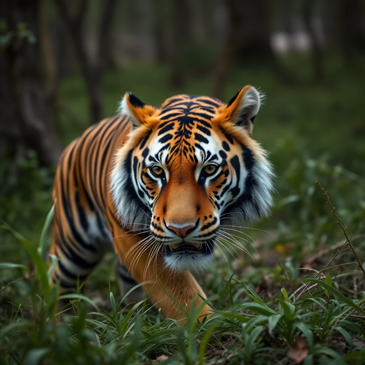
Illustration created using a text prompt:
2. Dream by WOMBO
Overview:
Dream started as a mobile app and is now one of the easiest AI art tools to use. It’s great for beginners and people who make content for social media.
Key Features:
- Change art style with one tap using your own images
- Built-in tools to share your art on social media
- Huge library of art styles, with new ones added every week
Good Things:
🔺Creates images quickly (under 15 seconds)
🔺Can mix different art styles together in one image
🔺Easy to share directly on social media
Cons:
🔻You don’t get much control over small details.
🔻Free version has lower image quality.
🔻May not always work well with complicated prompts
Suitable for:
- Social media posts
- New users learning AI art
- People using phones or tablets
- Fast idea sketching
Pricing: Pro plan starts at $9.99/month
Illustration created using a text prompt:
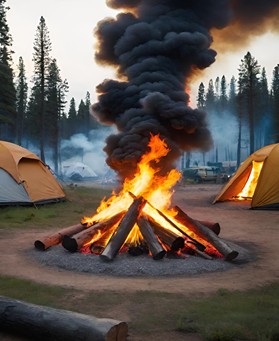
3. Neural.love
Overview:
Businesses would be wise to choose Neural. love for an AI art generator. It clearly allows you to use the images for work, marketing, or selling, so there’s no confusion about legal rights.
Main Features:
- You get full rights to use every image you create
- Has a big library of tested prompts ready to use
- Can make many images at once for large projects
Good Things:
🔺You don’t have to worry about legal issues—usage rights are clear.
🔺Creates steady and reliable results without needing to change prompts much.
🔺Perfect for product images and online store content
Things to Consider:
🔻Not as creative or artistic as some other tools.
🔻Focuses more on business use, so may limit creative designs
🔻Each image might cost more than with tools made just for fun or art
Suitable for:
- Online sellers
- Marketing teams
- Full-time bloggers
- Social media professionals
Pricing : Pro plan starts at $27/month
Illustration created using a text prompt:
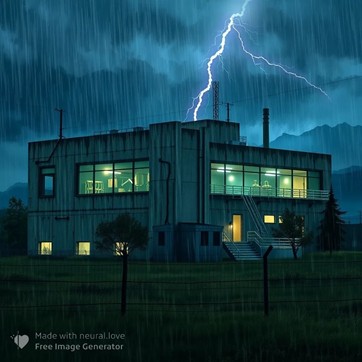
4. Nightcafe
Overview:
Nightcafe is a powerful tool for both making AI art and generating AI voice. It’s great for creative people who want to try different styles and explore artistic ideas. It uses many AI models to give you lots of design options.
Main Features:
- Uses over 5 different AI models to make images
- “Evolution mode” helps improve pictures step by step
- Can mix different art styles to create new looks
Good Things:
🔺Huge variety of styles and creative options
🔺Friendly community that shares tips and art
🔺Gets regular updates and new features to try
Things to Consider:
🔻Results can be unpredictable compared to simpler tools
🔻Quality depends on which AI model is used
Suitable for:
- Artists looking for new ideas
- People who like trying different art styles
- NFT designers
- Fine art projects
Pricing: Pro plan starts at $19.99/month
Illustration created using a text prompt:
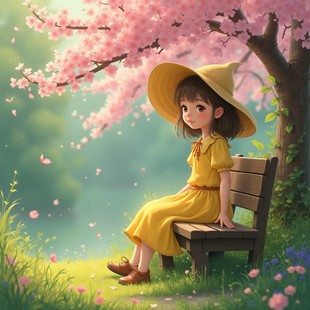
5. Deep Dream Generator
Overview:
Deep Dream Generator is one of the oldest AI art generator tools, known for creating dreamlike, artistic images. It has become a favorite for artists who want full control and love traditional painting styles.
Main Features:
- Realistic brush strokes and texture effects
- Lets you control how much the style changes the image
Good Things:
🔺Very good at copying real painting styles.
🔺Great for making fine art and detailed artworks.
🔺Has a strong group of experienced artists.
Things to Consider:
🔻Less effective for photorealistic imagery.
🔻Slower generation times due to complex processing.
🔻Steeper learning curve for optimal results,
Suitable for:
- Traditional artists using digital tools
- Making art for prints or galleries
- People who like textured, painting-style images
- Art teachers and students
Pricing: Pro plan starts at $39/month
Illustration created using a text prompt:
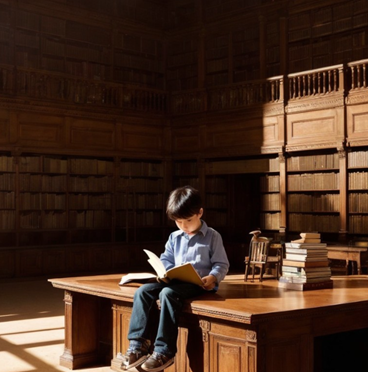
6. Artbreeder
Overview:
Artbreeder started as a tool that mixes image traits like “genes” and has grown into a top platform for designing characters. It lets users create and improve images step by step using its smart editing system.
Main Features:
- Let’s you save changes and create new versions from older ones
- Keeps the character’s look the same across different versions
- Special tools for faces and body shapes that look real
Good Things:
🔺Great for keeping character designs consistent.
🔺Easy-to-use sliders to change looks
🔺Perfect for making many versions of one idea
Things to Consider:
🔻Not great for images that aren’t characters
🔻Might take a few tries to get what you want
🔻Doesn’t create detailed backgrounds or scenes
Suitable for:
- Game makers designing characters
- Writers who want a visual idea of their characters
- RPG and tabletop game creators
Pricing: Pro plan starts at $18.99/month
Illustration created using a text prompt:
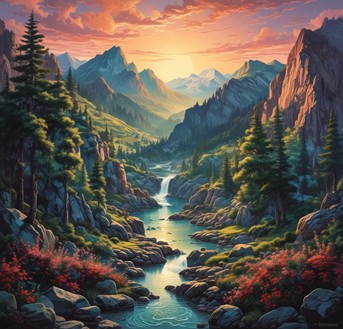
7. GPT-4o’s Native Image Generation
Overview:
OpenAI’s GPT-4o now includes a built-in tool to make pictures. It’s great at creating images that match what you’re talking about and understands details through conversation.
Main Features:
- Lets you improve or edit your image over multiple messages
- Makes pictures based on your full conversation
Good Things:
🔺Easy to use—just talk like you would to a person
🔺Understands what you need, even with complex ideas
🔺Great for making story pictures or picture sequences
Things to Keep in Mind:
🔻Doesn’t focus on one specific art style
🔻Sometimes image quality isn’t as high, it focuses more on your message.
🔻Doesn’t offer as many settings or tools as some art platforms
Suitable for:
- Marketing teams that need quick visuals
- Teachers or course creators
- Anyone who prefers talking instead of using detailed settings
Pricing: Pro plans start at $25/month, with custom pricing for bigger needs.
Illustration created using a text prompt:
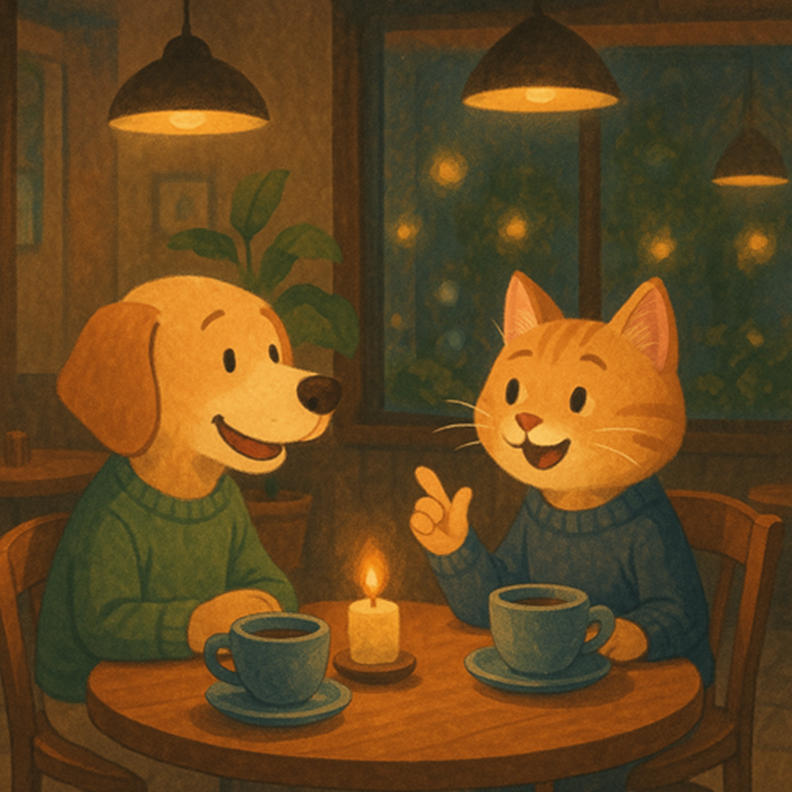
8. Recraft
Overview:
Recraft is an AI art generator tool made for designers. It’s especially good for creating professional graphics and works well with other design tools.
Key Features:
- Creates images as vectors, so they stay sharp when resized
- Helps you stick to brand rules and colors
- Great at making patterns and textures
Good Things:
🔺Perfect for business and commercial design work.
🔺Vector images make your designs flexible and clear.
🔺Strong at making patterns and repeating textures.
Things to Consider:
🔻Not made for painting or artistic-style images
🔻Best for business design, not creative art
🔻Might be expensive for individual users
Suitable for:
- Graphic designers
- UI/UX design teams
- People working on brand design
- Product and packaging designers
Pricing: Pro plans start at $48/month.
Illustration created using a text prompt:
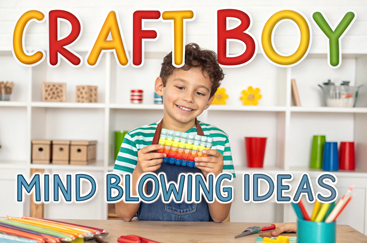
9. Character Creator Pro
Overview:
Character Creator Pro is a highly focused AI art generator tool made just for designing detailed characters. It gives you full control and keeps your character looking the same in every image.
Main Features:
- Makes characters with correct body shapes and details
- Keeps the character’s look the same in all poses and facial expressions
- Comes with clothes and accessories that move realistically
Good Things:
🔺Great at making characters that stay consistent across many images.
🔺Strong tools for body shape and design accuracy.
🔺Made especially for people who focus on character art.
Things to Keep in Mind:
🔻Only works for character design.
🔻Can’t make backgrounds or creative abstract art.
🔻More expensive than general-use tools.
Suitable for:
- Animation studios
- Game developers
- Comic and graphic novel creators
Pricing: Pro plans start at $500 in a package.
Illustration created using a text prompt:
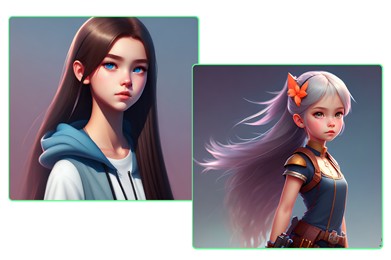
The Future of High-Quality Top AI Art Generators
![Describe this specific image, e.g., A surreal, dreamlike image of a whale soaring through a cloudy sky above a city]. Al Art Generator : Al Art: Top Al Art Generators](https://getpixci.in/blog/wp-content/uploads/2025/08/Teknikforce-Blogs-2025-08-29T120930.887-1024x576.webp)
As AI art technology keeps getting better, you can expect exciting changes ahead. Here’s what the future may look like after 2025:
1. New technological developments
The most advanced AI art generators are getting more potent. Real-time visuals and 3D images will soon be possible, which will be fantastic for movies, virtual reality, and video games. Everyone will be able to create high-quality images more quickly and easily thanks to advancements in graphics technology and cloud systems.
2. What you May See in 2026 and Beyond
Some likely trends include:
📈 More customized outcomes: AI technologies will gradually get better by learning your unique style.
📈Better style copying – Tools will be able to copy real artists’ styles more accurately.
📈Teamwork features – You’ll be able to make art together with others on the same screen, in real-time.
Helpful tools like Pixci will make things smoother by using different AI models, letting you save your images and prompts for later use.
3. Ethical Considerations and Industry Standards
These key topics will matter as AI art generator grows:
📍Who owns the art? – Clear rules about copyright and image rights
📍Avoiding misuse—stopping fake or harmful images, like deepfakes.
📍Respect for artists—giving credit to real artists if AI learns from their work
4. Working Together with Traditional Artists
AI art generators aren’t here to replace artists—they help them. Many artists now use AI for idea generation, planning, or trying new styles. It boosts creativity instead of limiting it.
Plus, with uncensored AI tools and high-quality downloads (like those from Pixci), artists get more freedom and control over their creative process.
Conclusion
AI art generators have quickly moved beyond being just “smart tools”; They’re transforming the way we create. Whether you’re an artist seeking fresh inspiration, a business owner needing engaging visuals, or simply someone who enjoys experimenting with creativity, now is the best time to explore this technology.
From ultra-realistic images to imaginative character designs, there’s an option for every style and budget.
Tools like Pixci make it easy for beginners with its simple interface and high-quality results, while platforms such as Deep Dream Generator or GPT-4o open the door to unique, advanced creations.
The possibilities are endless. With just a prompt, you can turn your ideas into stunning digital art in seconds. The future of creativity is already here—AI is helping everyone create faster, easier, and better.
Your next masterpiece is just one prompt away.
FAQ: Top AI Art Generators in 2025
Can I own the copyright for the AI art I make?
How can I stay away from copyright problems with AI art?
Rather than making specific artist references, explain the stylistic components you find appealing. By providing safe and intelligent prompt features, tools such as Pixci AI also assist in avoiding copyright issues.