Discover the top text-to-image AI generators and cutting-edge AI’s that transform your written descriptions into amazing visuals. These AIs analyze the text to understand its context, objects, and emotions, then draw from a huge collection of images and styles to create artwork that matches your description perfectly.
These generators revolutionize how you create and view visual content in the rapidly evolving field of artificial intelligence. Artists, designers, marketers, and other creators open up new possibilities by transforming plain text into visually lifelike images.
In 2024, AI tools will have reached new heights, offering top-notch results, more customization, and easier use. This guide dives into the top text-to-image AI generators making waves in the digital realm. You’ve chosen these tools for their exceptional image quality, user-friendly experience, standout features, and overall value.
These tools are not just changing how visual content is made but are also pushing the limits of AI’s creative power, blending technology with art.
Let’s dive into the top 10 text-to-image AI generators available today.
A Text-to-Image AI Generator: What Is It?
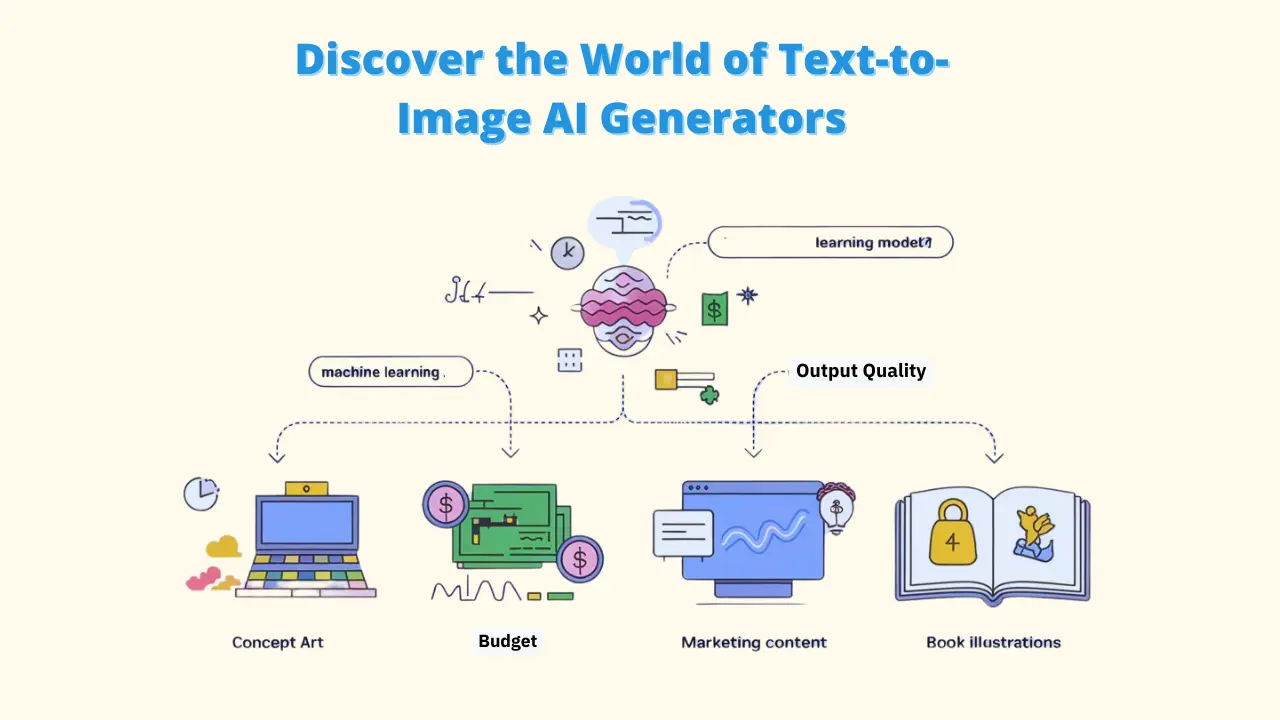
Before you get into the top picks, let’s explain what a text-to-image AI generator is. This technology uses advanced machine learning to turn written descriptions into images. It relies on large language models and diffusion models to understand and create visuals based on the text provided.
Here’s how it works: You give the AI a text prompt, and it breaks down the words to grasp what kind of image, style, and layout you want. With its extensive training in images and descriptions, the AI then creates a new image that closely matches your description.
Benefits of Using Text-to-Image AI Generators
1. Time-sparing: These tools cut down the time needed to create custom visuals, letting creators produce detailed images in minutes instead of hours or days. Pixci can automate repetitive image tasks and create high-quality visuals in a fraction of the time.
2. Convenience: Anyone can effortlessly translate their ideas into visuals and bring them to life with text-to-image AI, even those without artistic talent. Pixci offers a range of advanced AI models that deliver high-quality images effortlessly.
3. Cost-effective: These tools can save money by reducing the need for expensive stock photos or custom illustrations.
4. Multitasking: Whether it’s for concept art, marketing content, book illustrations, or website graphics, these generators have many uses. People can use Pixci to create custom artwork, edit photos, or design elements for their projects or hobbies.
Top 10 Text-to-Image AI Generators to Create Stunning Visuals
1. Pixci
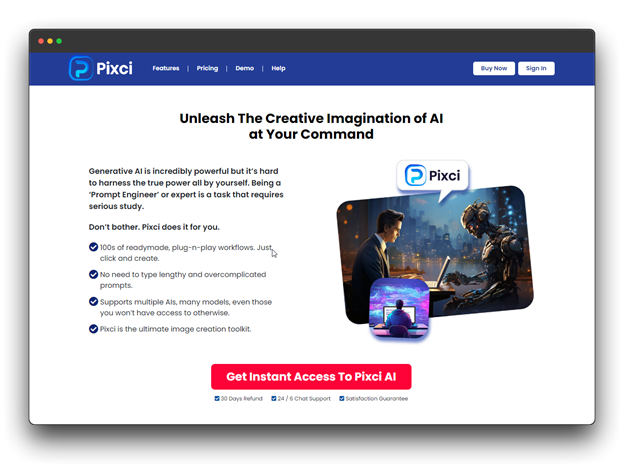
About: Pixci AI is a top-notch text-to-image generator known for creating incredibly detailed, high-resolution images. Made by a team of AI experts and artists, Pixci AI bridges the gap between human creativity and machine accuracy.
Pixci Features:
- Output with high resolutions
- Advanced capabilities for style transfer
- Elegant prompt engineering interface
- Allows users to adjust fine details
Why It is Best: Pixci excels at creating high-resolution images with intricate details, making it ideal for commercial use in marketing and advertising.
Pricing: Starts at $17/month with a free trial available.
Generated Image: Stunning landscapes with lifelike quality.
2. DALL-E 3
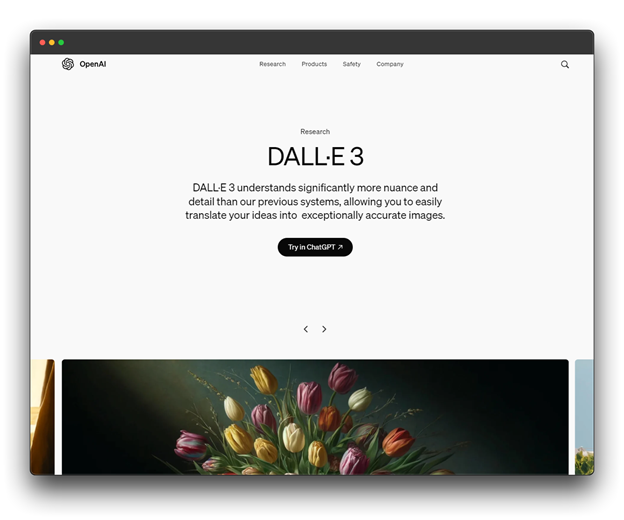
About: DALL-E 3 is the newest version of OpenAI’s impressive text-to-image AI system. Building on previous versions’ achievements, DALL-E 3 significantly improves how AI understands and generates images from detailed text descriptions. It’s made to be a useful tool for artists, designers, and creators in many different areas.
DALL-E 3 Features:
- Unmatched understanding of complicated prompts
- Easily integrated with other OpenAI tools.
- Ethical image creation with built-in safety features
Why It’s Best: DALL-E 3 understands text prompts and creates images that capture fine details and ideas. Its connection with ChatGPT makes the creative process even smoother.
Pricing: Pay-per-use model, starting at $0.02 per image generation.
Generated Image: Creative, surreal art and photorealistic scenes.
3. Midjourney V6
About: Midjourney is a special AI art generator with a community of artists and fans. Version 6 is the newest update, known for its unique art styles and community-focused approach. It mainly works through Discord, creating a space where creators can collaborate and find inspiration.
Midjourney V6 Features:
- Excellent range of artistic styles
- Community-driven sharing and guidance
- Real-time image creation in Discord.
Why It’s Best: Midjourney V6 is well-known for generating beautiful, artistic images in many different styles. Its Discord-based platform encourages a collaborative and creative space for users.
Pricing: Subscription plans range from $10 to $60 per month, based on usage.
Generated Image: Vibrant, abstract artworks that push creative boundaries.
4. NightCafe
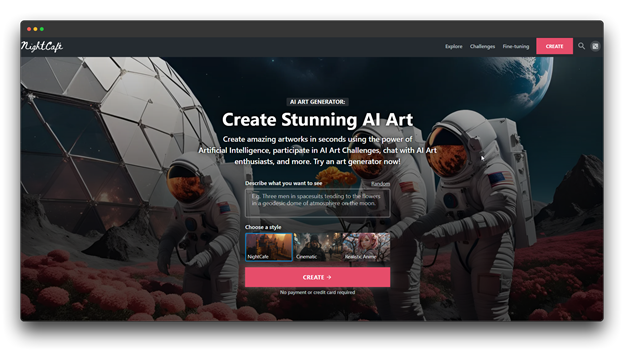
About: NightCafe is a flexible AI art platform that uses several AI models to give a complete creative experience. Created to make AI art easy for everyone, NightCafe has become a strong community of artists and AI fans, offering tools for both beginners and advanced creators.
NightCafe Features:
- Several AI models to select from.
- A wide variety of effects and styles
- Includes a social platform for sharing creations.
Why It Is Best: NightCafe provides a versatile platform that appeals to both casual users and serious artists. Its range of AI models allows for diverse creative expressions.
Pricing: Credit-based system with plans starting at $7.99/month and a free tier with daily credits.
Generated Image: Detailed photorealistic and fantasy-themed artworks.
5. Gemini Pro
About: Gemini Pro is Google’s advanced AI model that can understand and create content in different formats like text, images, and code. As a key part of Google’s AI system, Gemini Pro is a big step toward making a more flexible and all-in-one AI assistant for both creative and analytical tasks.
Gemini Pro Features:
- Multimodal capabilities (text, images, and code).
- Advanced knowledge of context
- Simple integration with Google Workspace.
Why It’s Best: Gemini Pro uses Google’s advanced AI to provide not only image creation but also a full range of creative and analytical tools. Its skill in handling and producing content in different formats makes it stand out.
Pricing: Individual users are entitled to a generous free tier, with usage-based pricing tiers.
Generated Image: Ultra-realistic, magazine-quality images.
6. Ideogram
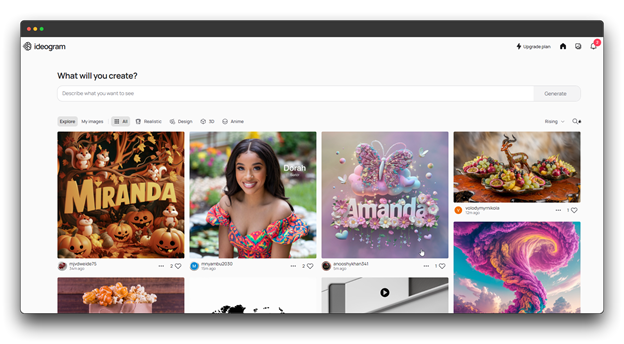
About: Ideogram is a specialized AI tool for turning text into images, with a focus on typography and logo design. Developed by designers and AI experts, Ideogram seeks to change how brands and designers create visual identities by providing AI-driven solutions.
Ideogram Features:
- Expert in logo design and typography
- Fine control over the placement of text in images
- Distinctive style presets for projects involving branding
Why It’s Best: Ideogram fills a niche for designers and marketers by excelling in the creation of text-heavy visuals and brand assets. Its focus on typography makes it invaluable for logo and poster design.
Pricing: Freemium model with premium features starting at $16/month.
Generated Image: Vibrant and artistic hand-drawn imagery.
7. Craiyon
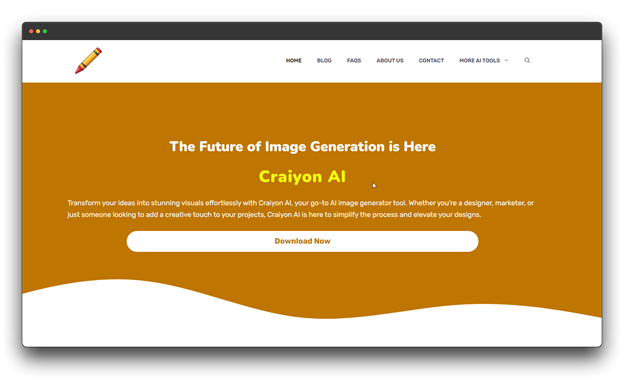
About: Craiyon is an open-source AI model that turns text into images. It’s popular for being easy to use and generating images quickly. Created as a simpler, more accessible option compared to larger models, Craiyon is now a favorite tool for fast concept sketches and creative brainstorming.
Craiyon Features:
- Quick generation times
- An easy, straightforward interface
- Continuous enhancement via user input
Why It is Best: Craiyon provides a simple, user-friendly platform for fast image creation. Its simplicity makes it perfect for brainstorming and concept exploration.
Pricing: The service is free to use, but for faster processing and more features, a $12/month premium is available.
Generated Image: Whimsical, fun, and unpredictable images.
8. Canva AI image generator
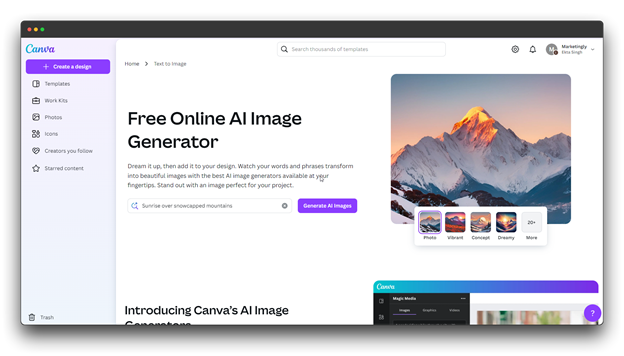
About: Canva AI image generator is a feature of the widely-used Canva design platform, which is popular with millions of users around the globe. By adding AI image generation to its platform, Canva makes it easier for users to create and add AI-generated images to their design projects smoothly.
Canva AI image generator features:
- Easy connection to the design platform of Canva
- An extensive collection of editable templates
- Collaborative characteristics for collaborative tasks
Why It’s Best: Canva’s text-to-image tool excels in allowing users to create and instantly add AI images into their designs because of its smooth integration into the broader Canva ecosystem.
Pricing: Included in the Canva Pro subscription ($119.99/year), with some features available for free.
Generated Image: High-quality images tailored for digital marketing and social media.
9. Microsoft Bing
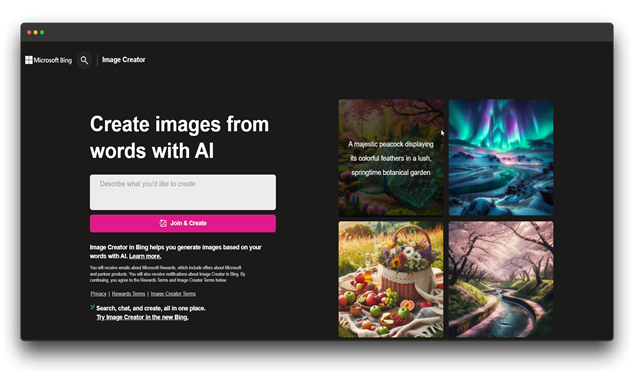
About: Microsoft Bing is a tool for creating images from text using DALL-E technology. Built into the Bing search engine, it’s designed to make AI image creation easy and available to many users, providing a free and simple way to generate custom images from text prompts.
Bing Image Creator Features:
- Built around DALL-E technology.
- Combined to offer additional context with Bing search
- With a Microsoft account, it is free to use.
Why It’s Best: Microsoft Bing lets users create images for free while using the power of DALL-E. Its connection with Bing search adds extra context and ideas to inspire the image creation process.
Pricing: Free to use with daily generation limits.
Generated Image: Images of excellent quality for general use.
10. Jasper Art
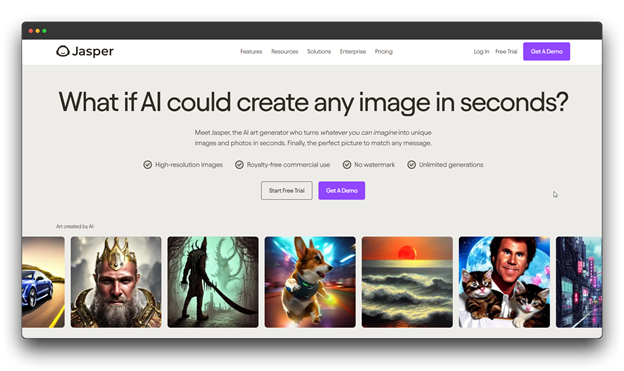
About: Jasper Art is an AI image generator that’s part of the broader Jasper AI platform, which is mainly known for its writing tools. Jasper Art is designed to work alongside Jasper’s text generation, offering a complete solution for content creators who need both written and visual content.
Jasper AI Features:
- Art styles and methods powered by AI
- Combining the AI writing platform Jasper with itself
- Adaptable style guidelines and brand voice
Why It’s Best: Jasper Art is great at producing visual content that matches the text created by Jasper’s AI writing tools. This seamless integration is especially useful for content marketers and branding experts.
Pricing: Part of Jasper’s AI platform, with plans starting at $49/month.
Generated Image: Tailored, professional visuals for campaigns and ads.
How to Choose the Right Text-to-Image AI Generator
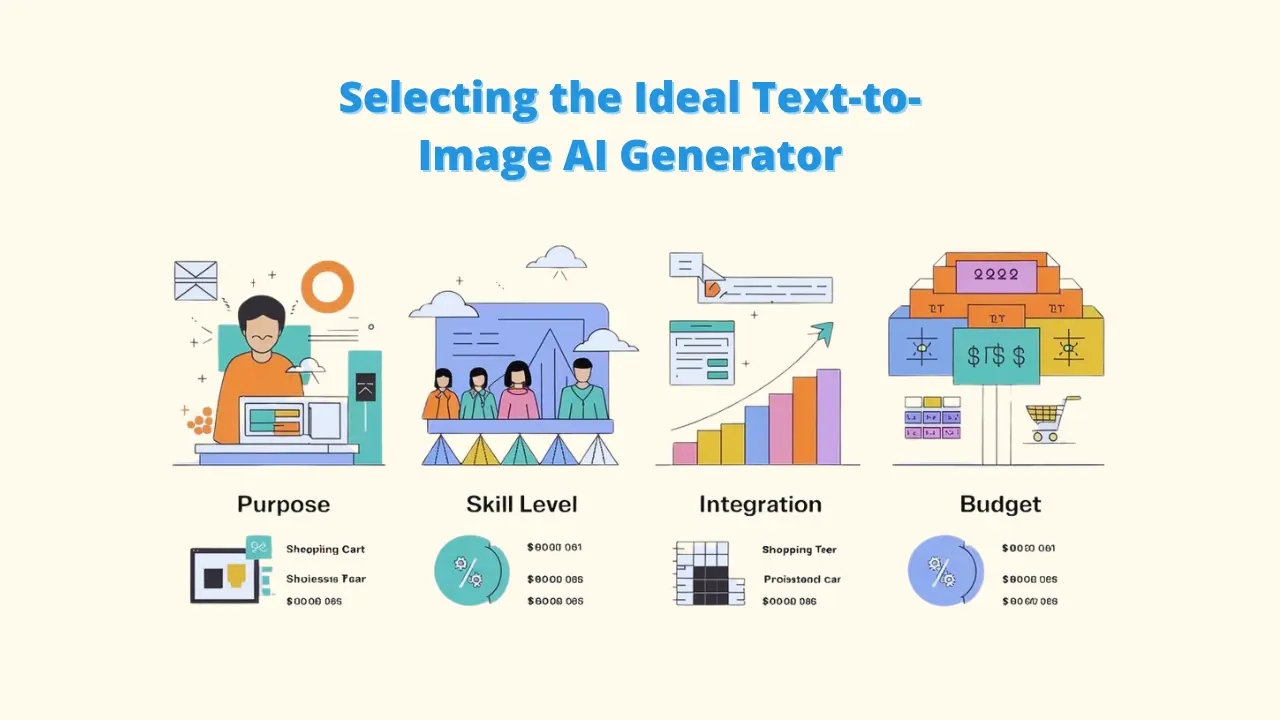
Selecting the ideal text-to-image AI generator depends on your specific needs and use cases. Consider the following factors:
A. Purpose: Determine whether you need images for personal projects, professional work, or commercial use. Tools offer pre-made workflows to make the creative process easier.
B. Skill level: Some tools are easier to use, while others have advanced features for experienced users. Pixci is flexible enough for everything from graphic design and marketing to personal projects.
C. Integration as a whole: Consider how the tool fits into your existing workflow and software ecosystem.
D. Budget preferences: Evaluate the pricing models and choose one that aligns with your financial resources.
E. Output quality: Assess the resolution and style capabilities required for your projects. With the assistance of Pixci, it helps designers create logos, banners, and other marketing materials.
The Future of Text-to-Image AI
As you look ahead, the future of text-to-image AI is brimming with potential:
A. More realistic thinking: Expect more lifelike images that make it hard to tell AI-generated content from real photos. With tools like Pixci, users can create original images from text or mix existing images.
B. Improved flexibility: Future tools may offer more granular control over generated images, allowing for precise adjustments to specific elements.
C. Considerations regarding ethics: As these tools become more powerful, addressing issues of copyright, bias, and potential misuse will be crucial. With its user-friendly interface and pre-built workflows, Pixci can significantly reduce the time required to create and edit images.
D. Solutions specific to the industry: Look for text-to-image tools that are tailored to specific industries, such as fashion, architecture, and design. Both experts and novices can utilize Pixci because of its comparatively simple interface.
Conclusion
The world of text-to-image AI generators in 2024 offers a wide range of tools to fit different needs and abilities. From the high-quality images of Pixci to the customizable features of open-source tools like Stable Diffusion, there’s a perfect fit for every creator.
As these technologies grow, they are set to change how you create visual content. Whether you’re a professional artist, a marketing team, or someone with a creative idea, tools like Pixci allow you to bring your visions to life with ease and high-quality results.
Pixci AI stands out for its ability to help users easily create and edit top-notch visuals, making it a valuable tool for both beginners and experts.
It is recommended that you experiment with these tools, discover their capabilities, and select the one that best suits your creative approach. More reachable and inventive than ever, the future of visual design is here.
FAQ: Top 10 Text-to-Image AI Generators
1. What exactly is a text-to-image AI generator?
Ans. A text-to-image AI generator is an AI tool that turns written descriptions (also called prompts) into visual images. It uses machine learning algorithms to process the text and create artwork, photos, or illustrations based on what’s described.
2. Are AI generators that convert text to images free to use?
Ans. Many text-to-image AI generators offer free versions or trials, such as Pixci AI and Craiyon. Still, there are frequently premium options that offer you more sophisticated features, better quality outputs, or additional image generation credits.
3. Is it Possible for AI Image Generators to Produce Realistic or Complex Images?
Ans. Yes, tools like Pixci and DALL-E 3 are great at making complex and very realistic images. These tools use advanced models that understand detailed prompts to produce intricate visuals.
4. What Are the Use Cases for Text-to-Image AI Generators?
Ans. Text-to-image AI tools are used across many industries, including:
1. Art and Design: Creating digital art, concept designs, and illustrations.
2. Marketing: Creating images for branding, ads, and social media.
3. Content Creation: Enhancing blogs, websites, and presentations with custom images.