Ever typed a prompt into an AI tool hoping for a photo-realistic image, but ended up with something blurry or “too digital”?
You’re not alone. As content creators, marketers, and designers demand sharper and more life-like visuals, the need for realistic AI image generators has exploded.
Today’s top tools do more than just create “nice images.”
They create crystal-clear visuals that look like real camera shots, ideal for product photos, advertisements, social media posts, and even client projects.
Realistic AI visuals assist you with AI Image Generators:
– Create fast marketing visuals.
– Test design concepts and mockups.
– Create lifelike characters, textures, and objects.
– Support 3D modeling and detailed creative work.
In this article, you’ll discover the top 6 trending realistic AI image generator tools that deliver ultra-clear, photo-realistic results.
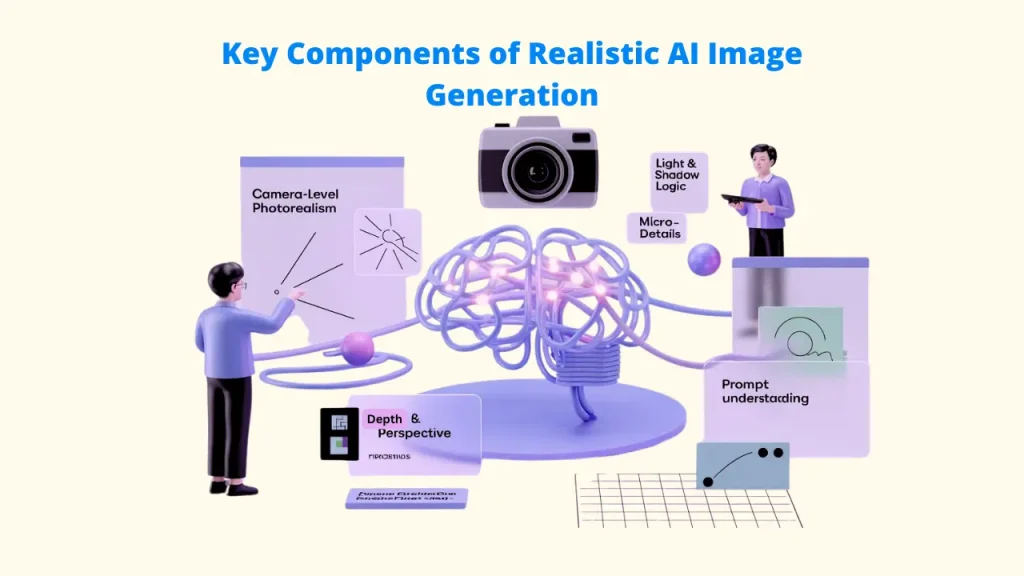
What Sets a Realistic AI Image Generator Apart
Many Realistic AI Image Generator tools are still facing the following challenges:
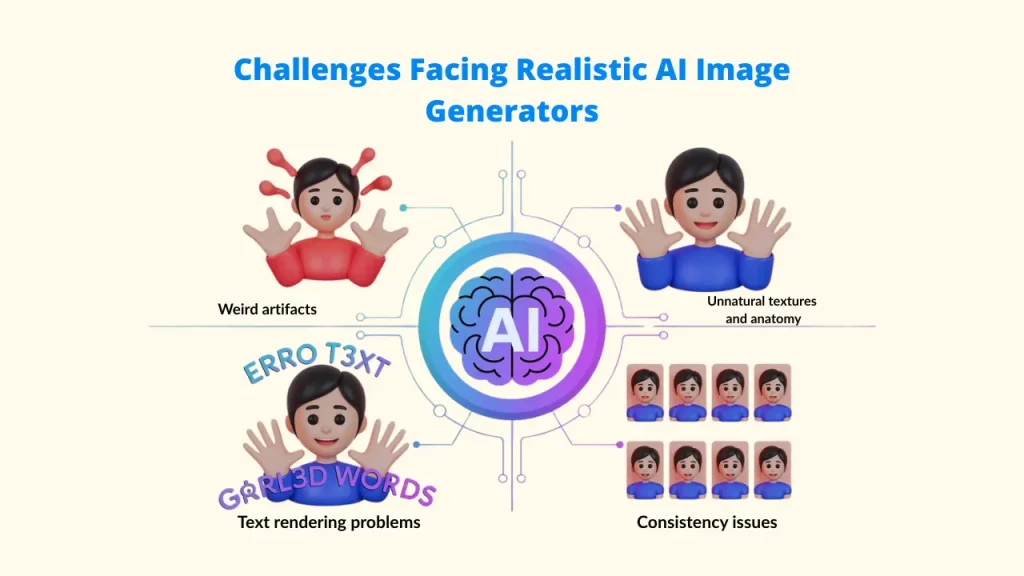
▶️ Weird Artifacts: Distortion, extra limbs, or melted backgrounds.
▶️ Unnatural Textures/Anatomy: “Plastic” skin, unrealistic eyes, or hands with too many/too few fingers.
▶️ Text Rendering in Images: Placing coherent, correct text within a generated image remains a struggle for many.
▶️ Consistency: Maintaining the same character/style across multiple renders for a campaign.
Top 6 Realistic AI Image Generators (2026)
1. Pixci
Tool Overview
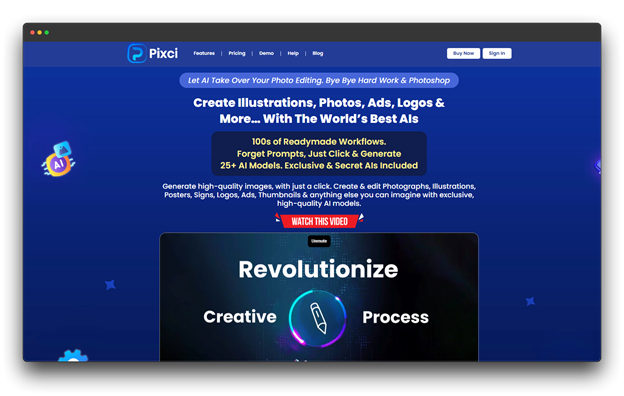
Pixci has rapidly emerged as a frontrunner in photorealistic AI image generation, leveraging advanced diffusion models specifically optimized for clarity and detail.
The platform emphasizes intuitive prompt engineering, making it accessible to beginners while offering depth for professionals who want granular control over their outputs.
Best For
Marketers, social media managers, product photographers, and content creators need consistent, high-quality, realistic images without complex prompt work.
Standout Features
📍 Smart Realism Engine for natural lighting, shadows, and textures
📍 Brand Style Memory to keep a consistent visual style
📍 Advanced Face Rendering with natural expressions
📍 One-Click Upscaling up to 8K
📍 Commercial license included in all plans
Example Use Case
A fashion brand creates realistic lifestyle shots of accessories in cafés, outdoor areas, and studio environments without costly photoshoots.
Pricing: You can get a personal use license and credits for $27 per month.
2. Leonardo AI
Tool Overview
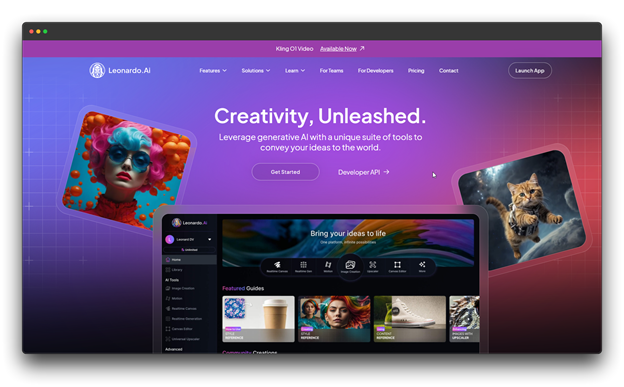
This realistic AI image generator gives you both artistic and photo-realistic results by combining a large library of models with powerful image generation capabilities. Leonardo AI is now extensively utilized for numerous artistic and business endeavors, although it initially gained popularity in gaming and concept art.
Best For
Game designers, concept artists, and creative professionals who want flexible styles, detailed controls, and access to community-made models.
Standout Features
📍 Wide model library (realistic to stylized)
📍 Advanced prompt controls
📍 Canvas editor for detailed edits
📍 Community-made models
Example Use Case
A game studio uses Leonardo AI to quickly create character and environment concepts, producing multiple cyberpunk city versions in minutes.
Pricing: $48 per month, including collections that let you organize your work and queue up to 20 generations.
3. Freepik AI Image Generator
Tool Overview
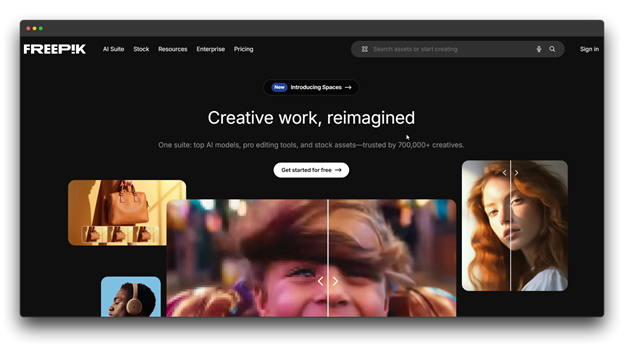
Fully integrated into the Freepik ecosystem, this realistic AI image generator leverages Freepik’s vast library of stock assets and templates, enabling users to blend AI-created visuals with professional design resources in one platform.
Best For
Marketing teams, designers, and creators who rely on stock assets and want quick AI image generation.
Standout Features
📍 Works with Freepik stock resources
📍 Style tools to match brand guidelines
📍 Commercial-use licensing included
📍 Shared workspace for teams
Example Use Case
A marketing agency creates AI backgrounds and combines them with Freepik templates to build a consistent social media campaign.
Pricing: Starts at $18.75 per month with discounts, extra AI credits, and yearly video-generation credits.
4. NightCafe Studio
Tool Overview
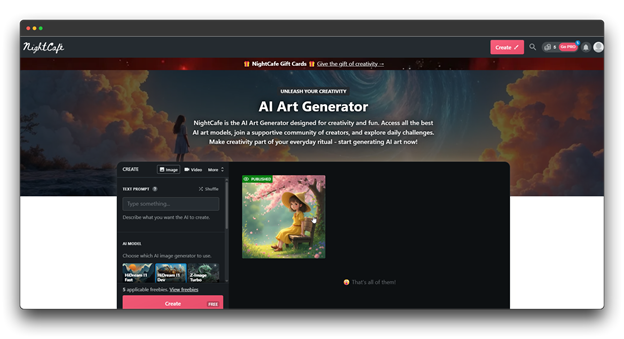
A community-driven realistic AI Image Generator, NightCafe provides several generation models in one location. Through daily challenges, public galleries, and flexible generation options, it fosters creativity.
Best For
Artists, hobbyists, and social creators who like trying different AI models and being part of an active creative community.
Standout Features
📍 Multiple AI models on one platform
📍 Flexible credit-based system
📍 Bulk creation, image-to-video, and evolution tools
📍 Active community for feedback and inspiration
Pricing: $37.49/month (annual billing), ad-free, with realistic ai image generators to animate your creations.
Example Use Case
A digital artist tests the same prompt across different models, compares the results, and refines the best one into a final artwork ready for their gallery.
5. Fotor
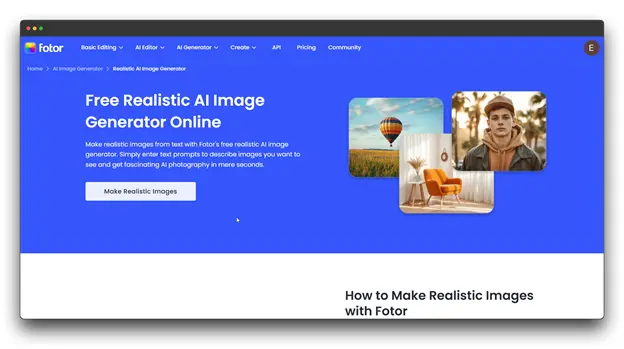
Tool Overview
Fotor provides you with an AI image generator platform and a robust photo-editing toolkit to create and enhance visuals. Anyone who wants to produce and edit photos in one location will find it ideal.
Best For
Content creators, social media managers, and small business owners who need quick, editable visuals for marketing or branding.
Standout Features
📍 AI tools: background removal, object replacement, upscaling, style transfer
📍 Social media templates: ready sizes for Instagram, Facebook, LinkedIn
📍 Batch processing for multiple images
📍 A realistic AI image generator and full editing mobile app
Pricing: Full editing tools, brand kits, and batch AI editing are included in plans that start at $20 per month.
Example Use Case
A travel blogger generates realistic destination images, adds branded text, adjusts colors to match their style, and exports versions sized for different platforms all inside Fotor.
6. Artbreeder
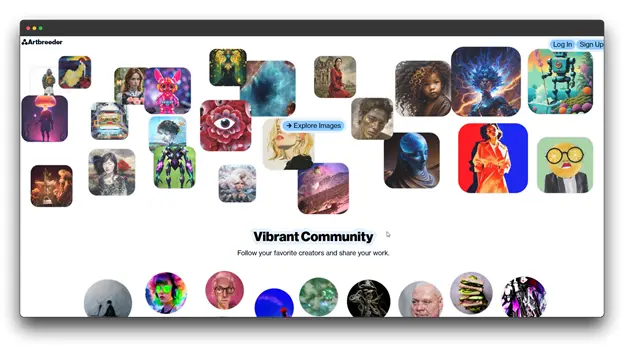
Tool Overview
In Artbreeder, users combine images to create new variations through a process known as “breeding.” With the appropriate realistic AI image generator, it employs tunable parameters for fine-grained visual control rather than just text prompts.
Best For
Worldbuilders, creatives, and character designers who enjoy working with the community and gradually improving visuals.
Standout Features
📍 Mix images to create new designs
📍 Adjust traits like age, expression, or style
📍 Keep character consistency across variations
📍 Share and remix creations with the community
Pricing: $38.99/month for the Champion plan with credits.
Example Use Case
A novelist designs consistent character portraits for a fantasy series, adjusting expressions and traits to visualize each character across scenes and promotional materials.
How to Pick the Right Realistic AI Image Generators
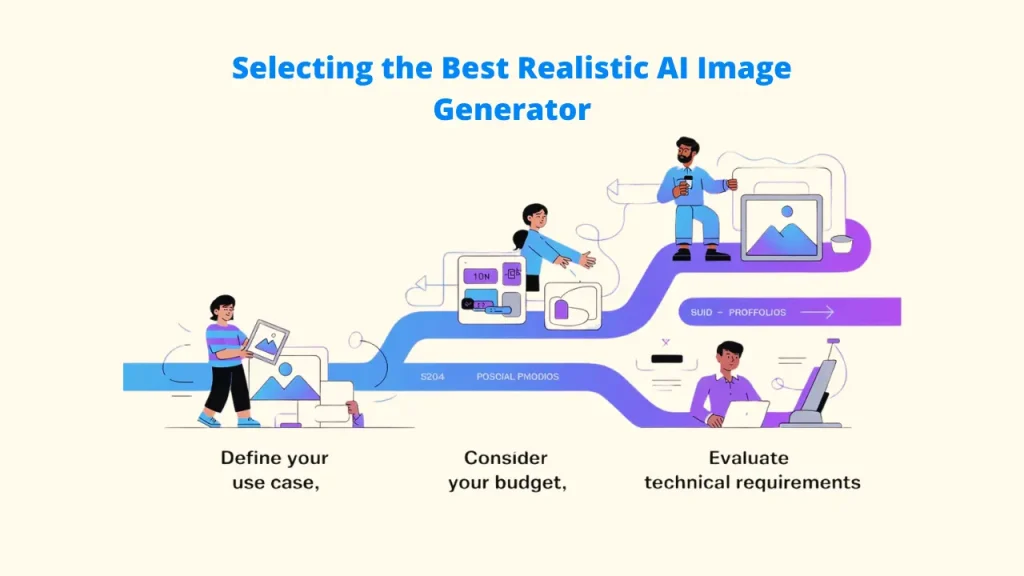
A. Define Your Use Case
- Marketing visuals → Pixci, Designs AI
- Product photography → Pixci, Fotor
- Social media → Freepik AI, StarryAI
- Professional portfolios → Leonardo AI, HailuoAI
B. Consider Your Budget
- Mid-tier → Leonardo AI, Freepik AI
- Pro-grade → Pixci, Designs AI
C. Evaluate Technical Requirements
- Need high-resolution prints? → Pixci, HailuoAI
- Require fast generation? → Freepik AI
- Need realistic text rendering? → Designs AI, Leonardo AI
Frequently Asked Questions (FAQs) for Realistic AI Image Generators
Q: What is the most realistic AI image generator currently available?
Ans: As of 2026, Pixci and HailuoAI are at the forefront of photorealistic rendering.
Q: Can I use AI-made images for commercial work?
Ans: Yes, depending on the platform’s licensing terms, Freepik AI and Designs offer clear commercial-use options.
Q: What’s next for AI-generated realism?
Ans: Expect better 3D depth, smoother motion, and stronger links to AR/VR tools as the next generation of AI image generators evolves.
Q: How do I write better prompts for more realistic results?
Ans: Use clear and specific prompts. Avoid long or confusing instructions. Start simple, add details step by step, and learn from community examples. For realistic results, include words like “photorealistic” or “hyperrealistic.”