Ever thought about turning an ordinary photo into a vibrant cartoon or bringing a fun idea to life as playful art?
With AI cartoon image generators, it’s easier than ever. In just a few clicks, these tools can transform your pictures or words into eye-catching cartoon-style creations. No drawing skills needed.
Powered by advanced AI, these generators are becoming a favorite for many. Why?
Because they make creating unique avatars, fun designs, and creative social media content quick and effortless. People love how they can turn simple photos into charming, animated-style artwork.
Whether you’re a content creator, marketer, designer, or just someone who wants to add a creative twist to your photos, AI cartoon image tools can make it happen.
In this guide, you’ll explore 10 of the best AI cartoon image generators that help you create stunning cartoon art from both text and images quickly and easily. Let’s dive into the creative possibilities!
What Is an AI Cartoon Image Generator?
An AI cartoon image generator is a smart online tool that turns photos or written text into cartoon-style images. It uses artificial intelligence (AI) and machine learning to understand how cartoons look and then copies those styles to create new images.
Types of AI Cartoon Image Generators
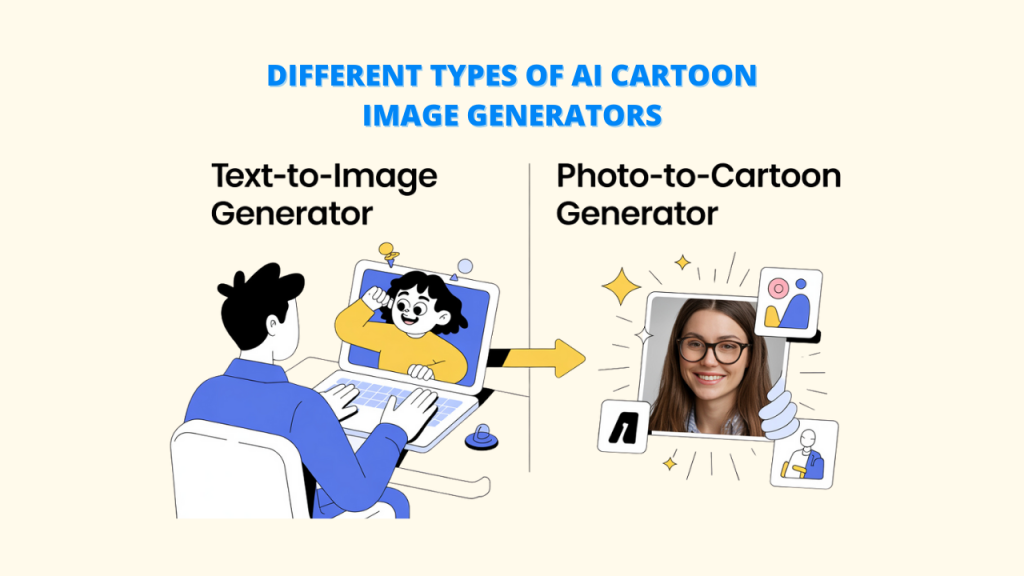
AI cartoon image generators can be divided into two categories:
➕Text-to-Image Generators
These tools let you type a description of what you want. The AI cartoon image generator reads your text and creates a cartoon image that matches it.
➕ Photo-to-Cartoon Generators
These tools take your regular photo and turn it into a cartoon by adding fun filters and cartoon-style effects.
The key uses for these generators are diverse and exciting:
– Social Media Profiles: Make distinctive, emotive, and eye-catching profile images.
– Branding: Create visually appealing and memorable elements for your brand.
– Comic-Style Art: Produce panels or illustrations with ease that have a comic book aesthetic.
– Fun Filters: Incorporate a whimsical and creative element into your regular photographs.
What Makes an AI Cartoon Image Generator Useful?
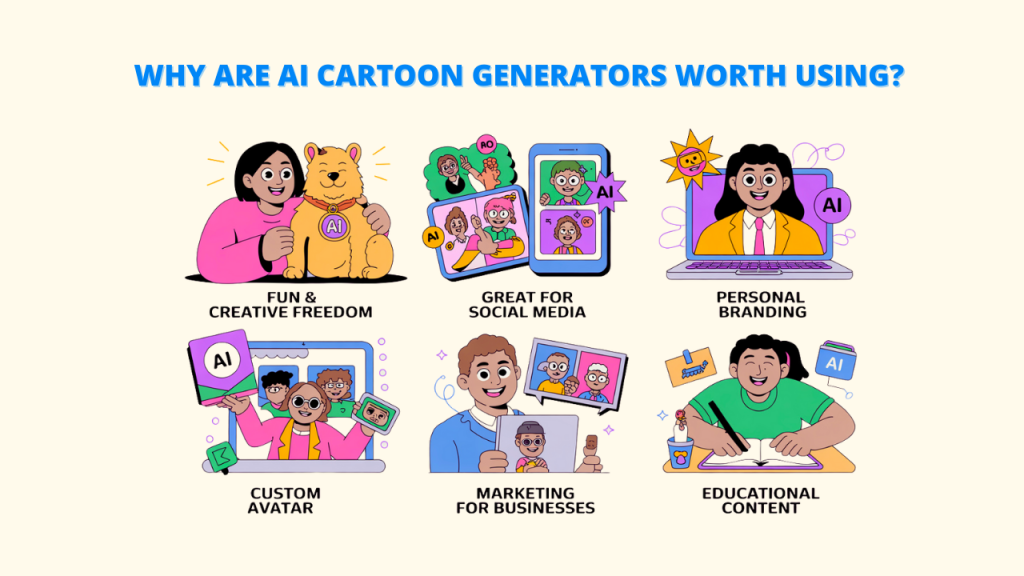
AI cartoon tools are popular for a good reason they offer many great benefits:
A. Fun and Creative Freedom
These tools let you be creative without needing to know how to draw. You can play around with different cartoon styles and turn your ideas into fun pictures. For example, you could turn your pet into a superhero or bring a made-up creature to life, all just for fun!
B. Great for Social Media Content
Social media is all about visuals, and standing out is important.
AI cartoon image generators help you make unique posts, stories, and profile pictures that catch people’s eyes and get more likes or shares.
You can even create simple logos, banners, and ad images using tools like Pixci AI, perfect for blog posts and promotions.
C. Personal Branding and Profile Pictures
Want to stand out online? Make a statement with a unique and customized profile picture or avatar. Your online presence can be made more memorable and unique by including a cartoon version of yourself or a creatively created character.
D. Marketing for Businesses
Companies can use cartoon images in ads, social media, and on their websites to make their brand feel more friendly and fun.
Cartoon-style visuals can also make hard ideas easier to understand and help build characters that connect with your audience. Tools like Pixci even let you save your images so you can use them again later.
E. Educational Content Creation
Teachers and educators can use cartoon images to make learning more fun and interesting. For online e-classes, worksheets, and lessons, they are excellent.
You could show a historical story in comic style or explain science with simple animated pictures.
Things to Check Before Choosing an AI Cartoon Image Generator
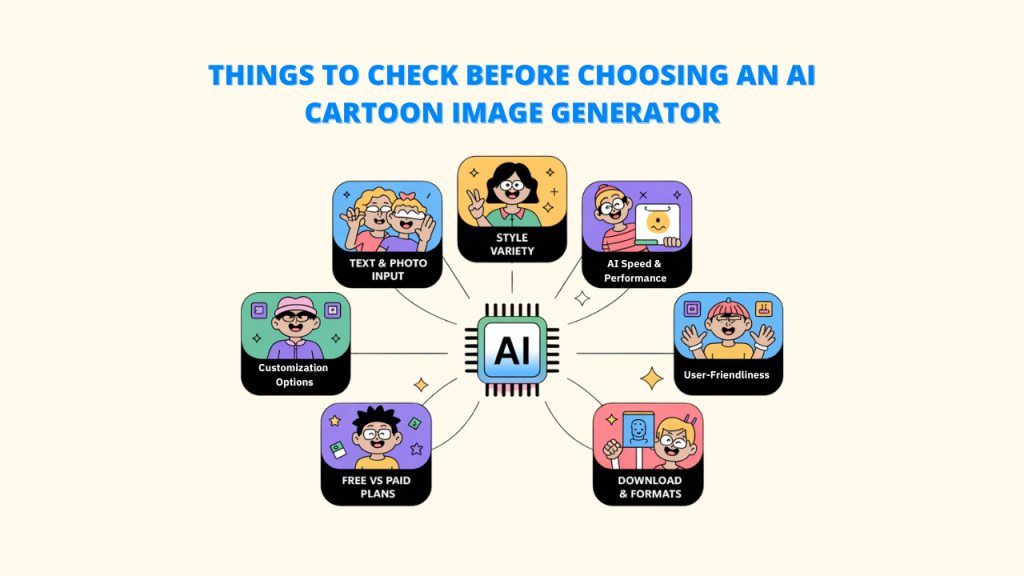
Choosing the best AI cartoon image generator tools can significantly enhance the appearance and originality of your pictures. Here’s what to look for:
1. What You Can Put In
Seek out applications that allow both text prompts and photo uploads. While some generators allow you to describe an idea in words and create art from it, others specialize in turning selfies into cartoon portraits.
2. Different Cartoon Styles
A good tool should offer many cartoon looks, like:
- Anime
- 3D designs
- Hand-drawn sketches
- Watercolor style
- Comic or pop-art style
This gives you more choices to make something that feels truly your own.
3. Customization capabilities
Seek out resources that allow you to change:
- Expressions on faces
- Colors and shadows
- Clothes and accessories
- Backgrounds and scenes
You can better match the image to your idea the more editing you can do. You can even save your prompts with tools like Pixci so you can quickly repeat the process the next time.
4. User-friendly
Certain tools are very easy to use and ideal for novices. While they take longer to learn, others have more features. Select one based on your level of tech comfort and the desired amount of time spent using it.
5. Free and Paid Plans
A paid plan is typically required for better quality, more tools, or bulk image creation, but most tools have a free version with basic features. Prior to making a decision, be sure you know what features you truly need and your budget.
6. Quality of the download and file types
Ensure that the tool provides you with
- Images of excellent quality that you can print or share online
- Saving options in JPEG and PNG formats
- Watermarks are not allowed, especially if you are paying for it.
Best 10 AI Cartoon Image Generators (Text- or Photo-Based)
Let’s dive into some of the best AI cartoon image generators available today, categorized for your convenience:
Best Text-to-Cartoon AI Tools
1. Pixci
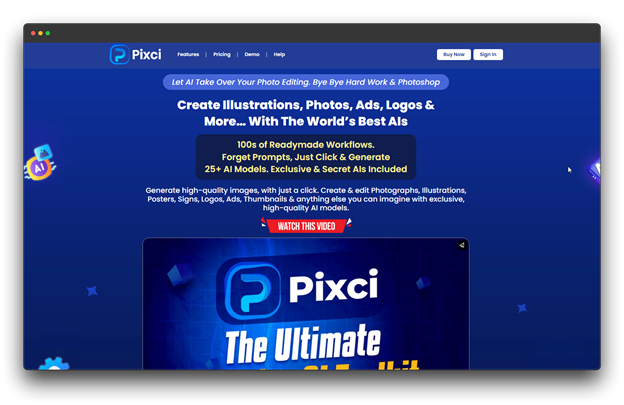
About This Tool:
Pixci is a popular tool for turning text into cartoon images. It’s easy to use the AI cartoon image generator, and it gives great results without needing complicated instructions. You can also download high-quality images and resize them easily for different platforms.
Key features and capabilities:
- Focuses on cartoon and anime-style images
- Easy text box and ready-made styles
- Creates images quickly
- Can make several images at once
Benefits and drawbacks:
✅ Great for beginners
✅ Delivers clear and colorful cartoon images
❌ Might take a little time to fully learn everything
Price: Starts at $27 per month
Best For: Pixci is great for making cartoon portraits and cool scenes. Quick design ideas, engaging content, and social media photos are all ideal uses for it.
2. Midjourney
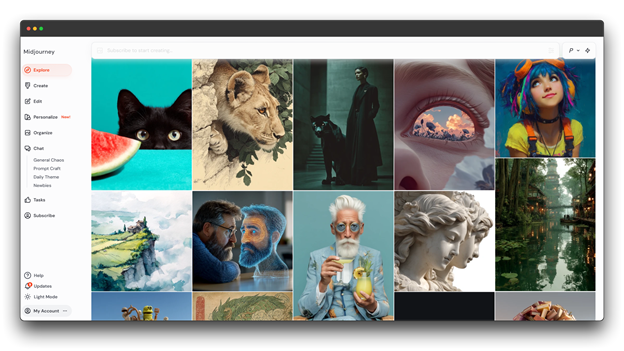
About This Tool:
Midjourney is a special AI art generator with a community of artists and fans. Version 6 is the newest update, known for its unique art styles and community-focused approach. It’s well-known for creating beautiful and creative cartoon-style pictures.
Key features and capabilities:
- Offers many cartoon styles, from realistic to very artistic.
- Allows you to change settings for greater control.
- Has an active community for ideas and help
Benefits and drawbacks:
✅ Creates some of the best-looking cartoon images
✅ Great for creative and artistic projects
❌ Discord setup can be hard for beginners
❌ No free version at the moment
Price: Starts at $30 per month
Best for: Midjourney is ideal for professionals who want top-quality cartoon art and are willing to spend some time learning how to use it well.
3. Getimg
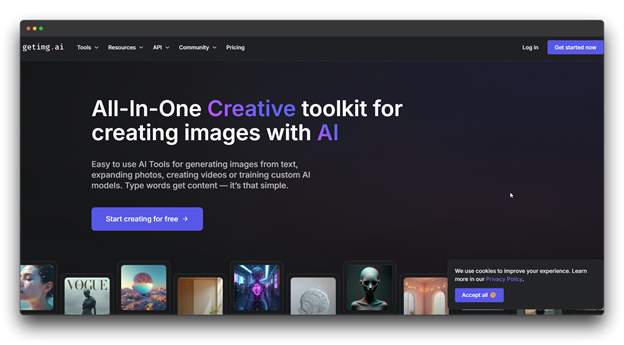
About This Tool:
Getimg is a full-featured AI image generation platform with a variety of tools, including the ability to generate cartoon images from text.
Key features and capabilities:
- Offers different cartoon and comic-style looks
- Includes editing tools to improve images
- API access for developers
Benefits and drawbacks:
✅ Great for both creating and editing images
✅ Easy to use, but still gives good results
❌ Some features may be harder for non-tech users
❌ The free plan is limited
Price: Starts at $23.46 per month
Best for: This tool is perfect for making a group of cartoon images that match for example, for blog posts, slideshows, or social media content.
4. DALL-E 3
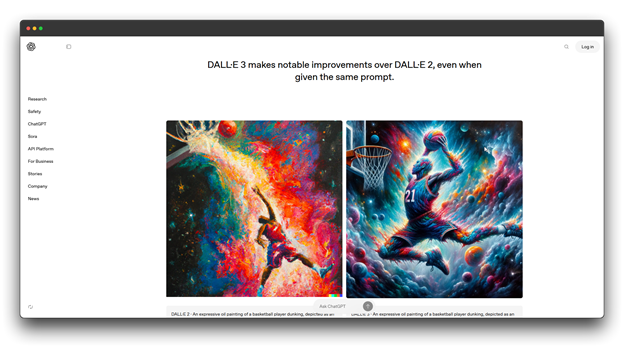
About this tool:
Made by OpenAI, DALL·E 3 is a smart image generator that turns text into pictures. It’s really good at understanding detailed prompts and can create different cartoon styles with great accuracy.
Key features and capabilities:
- Understands complex prompts very well
- Makes images that closely match the input text
- Utilizes ChatGPT to enhance your prompts
Benefits and drawbacks:
✅ Great at turning detailed text into images
✅ Produces smooth, vibrant cartoon images
❌ If you need a lot of pictures, it could cost more.
❌ A smaller user base for advice and support
Price: Starts at $20 per month
Best for: Best for making cartoon images that need to match exact ideas or descriptions, like for teaching materials, concept drawings, or any detailed visual content.
5. Canva’s Text to Image
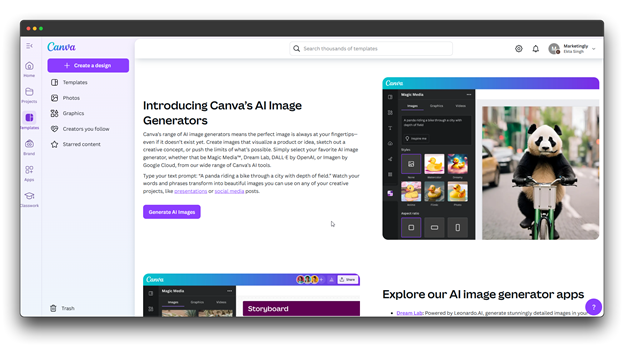
About the tool:
Canva now has an AI cartoon image generator built right into its design platform. This means you can create cartoon-style images while working on your usual design tasks, like making social media posts or flyers.
Key features and capabilities:
- Works smoothly with Canva’s design tools
- Easy-to-use text prompt box
- Offers different styles, including cartoons and drawings
Benefits and drawbacks:
✅ Great for making cartoon images for ads, posts, or designs
✅ No need to switch between different tools.
❌ Not primarily cartoon-focused like some other tools
❌ Only Canva Pro offers all features.
Price: Starts at $119.99 per year.
Best for: Content creators and marketing teams already using Canva. It’s perfect if you want to add cartoon images without leaving the platform you’re designing in.
Best Photo-to-Cartoon AI Tools
6. ToonMe
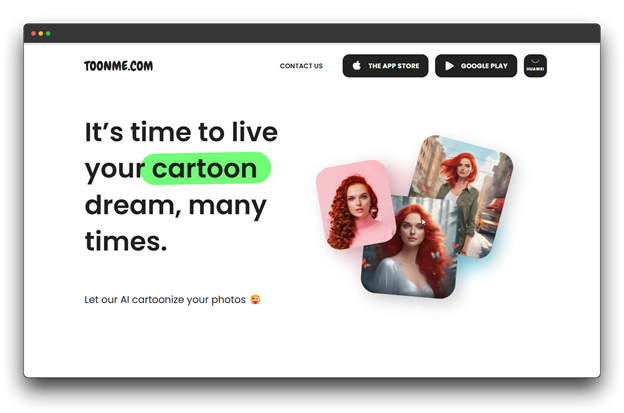
About This Tool:
ToonMe is a well-known app and website made to turn your photos into fun cartoon-style pictures. It gives you lots of cartoon effects and styles to try.
Key features and capabilities:
- Various cartoon formats, including 3D, Disney-style, comic, and anime
- Either the entire image or just the face can be cartooned.
- Both mobile and internet-based
Benefits and drawbacks:
✅ Turns faces into cartoons well
✅ Maintains the cartoon-like recognizability of your face.
❌ Works best with clear face photos.
❌ Many stylish looks require a subscription.
Price: Custom pricing (depends on the plan you choose)
Best for: Great for people who want to turn selfies or portraits into stylish cartoons. Ideal for social media content, profile pictures, or just for fun.
7. Artisto
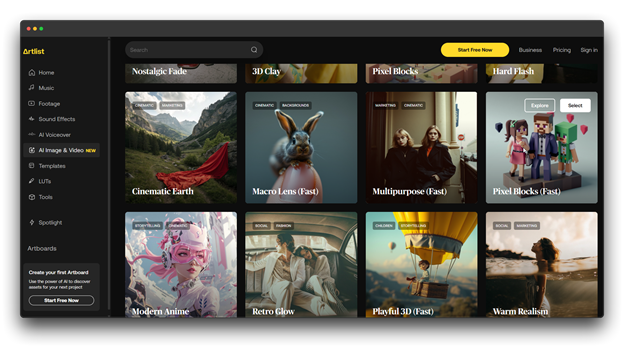
About this tool:
Your images are transformed into imaginative, artistic cartoons by Artisto. It relies more on creative and painting-like effects than it does on straightforward cartoon looks.
Key features and capabilities:
- Numerous artistic styles
- Support for animated cartoons through videos
- Improvements and background effects
Benefits and drawbacks:
✅ More creative and stylish than normal cartoon filters
✅ Can also work with videos, not just photos
❌ Results may not always look the same.
❌ Videos can take more time and power to process
Price: Starts at $39 per month
Best for: Great for making artistic versions of photos or videos for social media—especially when you want a painting-style look instead of a simple cartoon.
Multi-Purpose AI Image Tools (Both Text and Photo)
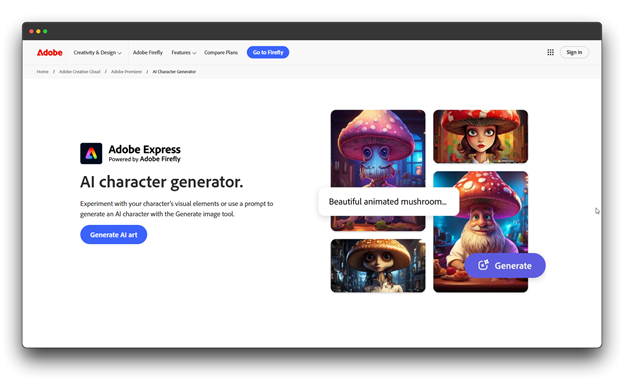
8. Adobe Firefly
About this tool:
Adobe Firefly is a smart AI tool that’s part of Adobe’s design software. It can turn text into images and change photo styles, including making cartoon-like pictures.
Key features and capabilities:
- Alters the style of images and turns text into images
- Safe for commercial and business use
- Works well with Adobe tools, including Photoshop.
Benefits and drawbacks:
✅ Legally safe for commercial projects
✅ High-quality, professional results
❌ Full features require a Creative Cloud subscription.
❌ Learning curve for advanced options
Price: Starts at $28.50 per month.
Best for: Perfect for designers and professionals working on projects where legal image use is important, especially when using Adobe apps like Photoshop to build designs with cartoon images.
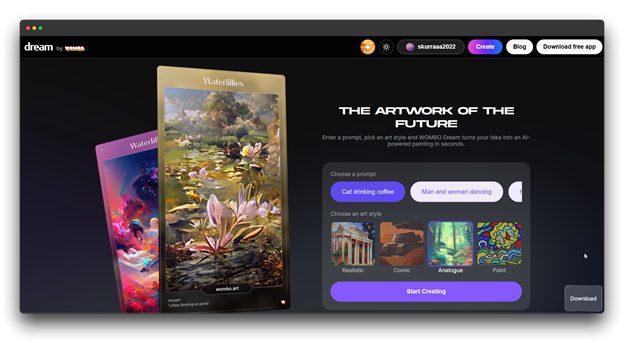
9. Dream by WOMBO
About this tool:
Dream by WOMBO is an AI cartoon image generator that lets you turn text into pictures and apply different art styles. It’s especially good at making creative, cartoon-style artwork.
Key features and capabilities:
- Transforms text into images.
- Allows you to choose from numerous art styles.
- Converts pictures into various artistic looks.
Benefits and drawbacks:
✅ Free tier is generous
✅ Unique artistic interpretation
❌ Less precise control than some competitors
❌ Results can be unpredictable
Price: Starts at $9.99 per month
Best for: Great choice for fun personal projects, social media posts, or trying out new cartoon art styles in a creative way.
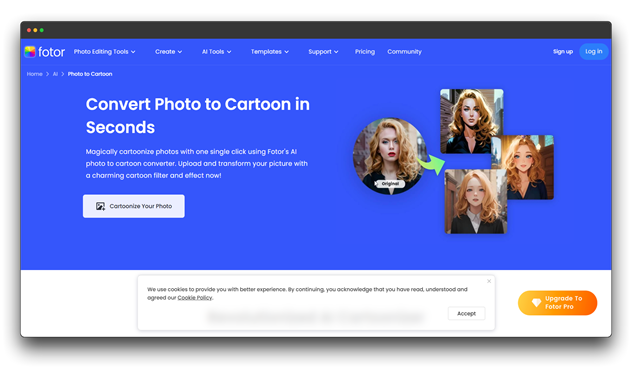
10. Fotor
About this tool:
Fotor is an online photo editing tool that also uses AI to turn text and photos into cartoon images. It’s a flexible tool with many editing features.
Key features and capabilities:
- Filters that turn photos into cartoons
- Makes images from text
- Regular photo editing tools
- Easy-to-use design templates
Benefits and drawbacks:
✅ Great for both editing and making cartoon images
✅ Easy to use if you’re used to photo editors
❌ Cartoon tools aren’t as strong as other cartoon-only apps
❌ AI image tools are still pretty new
Price: Starts at $29.99/month
Best for: Good for people who want to edit photos and also make cartoon-style images, especially useful for mixing real photos with cartoon effects in one project.
Tips for Getting the Best Results with AI Cartoon Image Generators
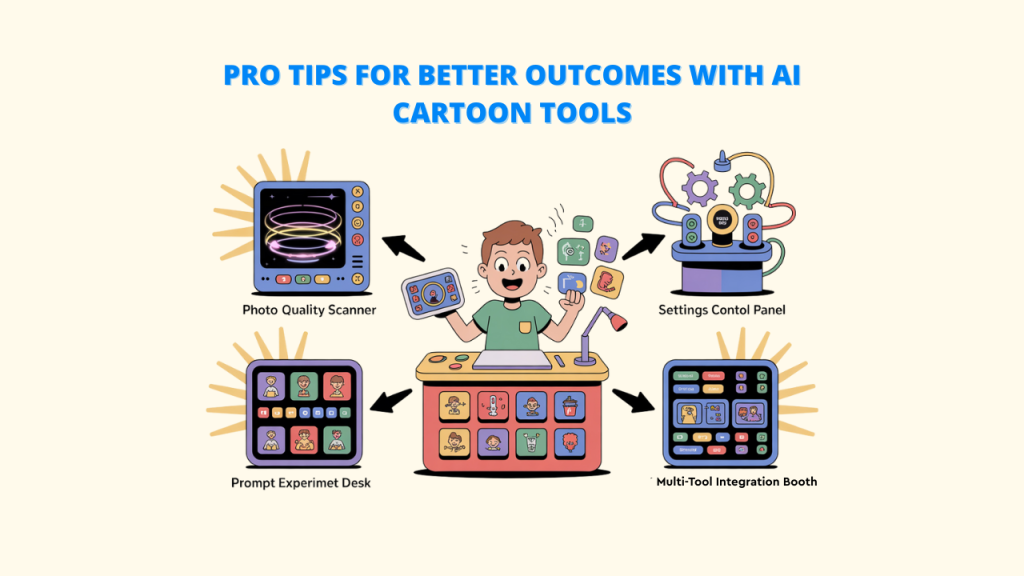
Want to create better cartoon images with AI? These simple tips can help you improve the look, style, and consistency whether you’re typing a prompt or uploading a photo.
A. Use Clear, High-Quality Photos (for Photo-to-Cartoon Tools)
The final outcome is greatly impacted by the clarity of the photo you enter.
- Make use of a high-resolution, clear, and bright photo.
- Dark or blurry images typically produce subpar results.
B. Try Different Prompts (for Text-to-Image Tools)
Try different prompts with different amounts of detail. Not every prompt is made equal. Mix up your styles:
- For more ethereal, open-ended outcomes, use brief, straightforward explanations.
- Write prompts with specifics like mood, style (watercolor, anime, etc.), colors, lighting, and composition for accuracy.
- Do not be scared to try out different tools to see which one works best for you.
- You can find the ideal place to start when creating AI images with tools like Pixci, which offers a searchable library.
C. Use Settings to Change Style or Details
Don’t just use the default look make it better by adjusting the options:
- Change how strong the cartoon effect is
- Edit things like line thickness or color brightness
- Add or change shading, background, or detail levels
- Small changes like these can really improve your final image.
D. Combine Tools for Even Better Results
For a more polished look:
- Start with one tool to make your cartoon
- Then use another tool to edit or improve the picture
- Or finish it with regular design software for professional touches
- Mixing tools can help you get the best results.
Conclusion
Thus, the process of producing cartoon-style visuals has been revolutionized by AI cartoon image generators. Now, anyone can design fun, creative, and unique artwork without any drawing experience.
Whether you’re looking for a custom social media avatar, a cartoon version of your photo, or a playful character for your brand, there’s a tool to make it happen.
Popular text-to-image platforms like Pixci and DALL·E 3 can turn your words into images in seconds. Tools like Pixci also offer built-in editing features, while multipurpose options such as Adobe Firefly and Fotor give users the flexibility to create and customize in one place.
As AI technology improves, these tools will only get better, bringing more animation styles, new artistic effects, and advanced customization options. The future of AI-powered cartoon creation is exciting, creative, and full of possibilities.
FAQs about AI Cartoon Image Generators
Q: Can I use AI cartoon makers for free?
A: Many cartoon-making tools using AI cartoon image generators are free to try, but they often come with limits. For example, the images might have watermarks or be low-quality, or you might only be able to make a few pictures.
Q: Is it okay to use AI-made cartoons for business or commercial use?
A: It depends on the AI cartoon image generator tool. Some platforms, like Pixci and Adobe Firefly, are made for commercial use. Others may not allow it or might ask you to get a special license. Always read the rules before using the images for your business.
Q: Which is better: turning words into images or changing photos into cartoons?
A: Both are useful in different ways. For creating original cartoons, AI cartoon image generators that convert text into images are fantastic. Photo-to-cartoon tools are better when you want to make a cartoon out of a real photo.
Q: What should I do if the cartoon image doesn’t look right?
A: If the image is blurry, try using higher quality settings or upgrade to a paid plan for better results. If the cartoon looks strange, try changing the style settings or using a different tool.