
Stuck staring at a prompt box and unsure what to type? You’re not alone.
Many AI image generators need long, detailed prompts, which can be slow and confusing. That’s why AI image generators without prompts are gaining popularity.
Traditional AI image generator tools depend heavily on prompts. You need:
- Prompt-writing skills
- Technical AI knowledge
- Time for trial and error
Now imagine skipping all of that. AI image generators without prompts are built to make things easier. Instead of typing complex text, these tools work with one-click actions, ready-made templates, or simple image uploads.
No guessing, no long instructions, just quick results.
In this article, you’ll discover the best AI image generators without prompts that help you save time, simplify your workflow, and create high-quality visuals without learning prompt engineering.
What Are AI Image Generators Without Prompts?
Definition & How They Work
AI image generators without prompts are tools that help you create images without writing long instructions. Instead of typing detailed text, you can use one-click options, ready-made templates, sliders, or upload an image.
The tool understands what you want and creates visuals for you fast and easily.
Think of it this way: you choose, click, or upload… and the AI does the rest.
The Technology Behind Simplified AI Image Generation
The main difference comes down to where the AI gets its idea from:
- Traditional AI Image Tools: Work from text. You must describe everything in detail to get good results.
- Prompt-Free or One-Click Tools: Work from templates, built-in styles, or images. You don’t need long prompts or technical skills.
Types of AI Image Generators Without Prompts
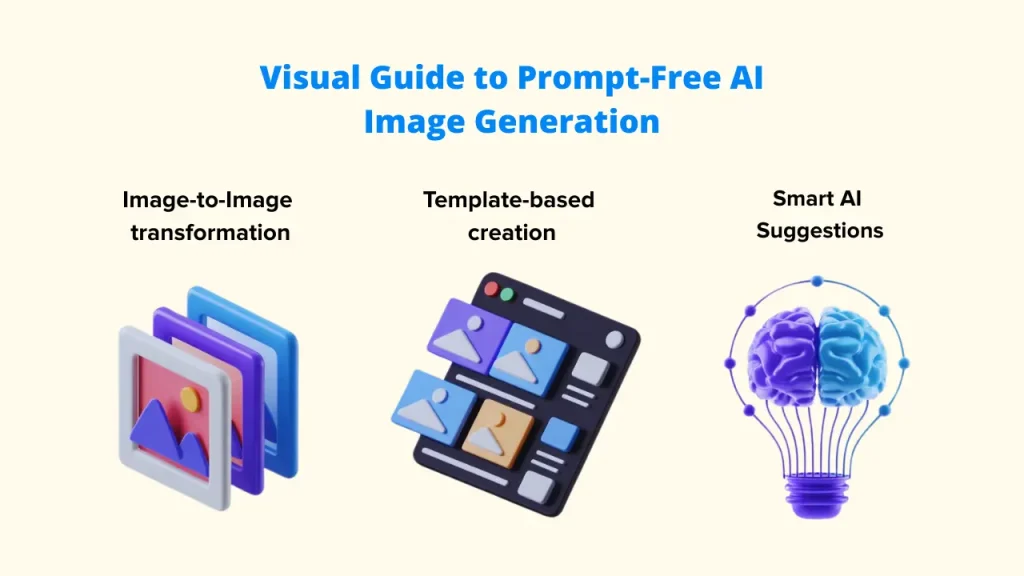
1. Image-to-Image or Style Change
Upload an image like a product photo, sketch, or reference picture, and the AI turns it into a new or improved version. You can change the style, mood, or look without typing instructions.
2. Template-Based Image Creation
Pick a category such as social media ads, product mockups, backgrounds, or photo restoration. The AI applies a ready-made design and edits the image automatically.
3. Smart AI Suggestions
Type just one word or a short idea, and the AI creates full images with instant variations. You can refine the result with simple clicks; no prompt writing is needed.
Why This Matters
With AI image generators without prompts, anyone can create professional-quality visuals without learning complex prompt writing. It’s faster, simpler, and designed for real-world use.
Who Should Use AI Image Generators Without Prompts?
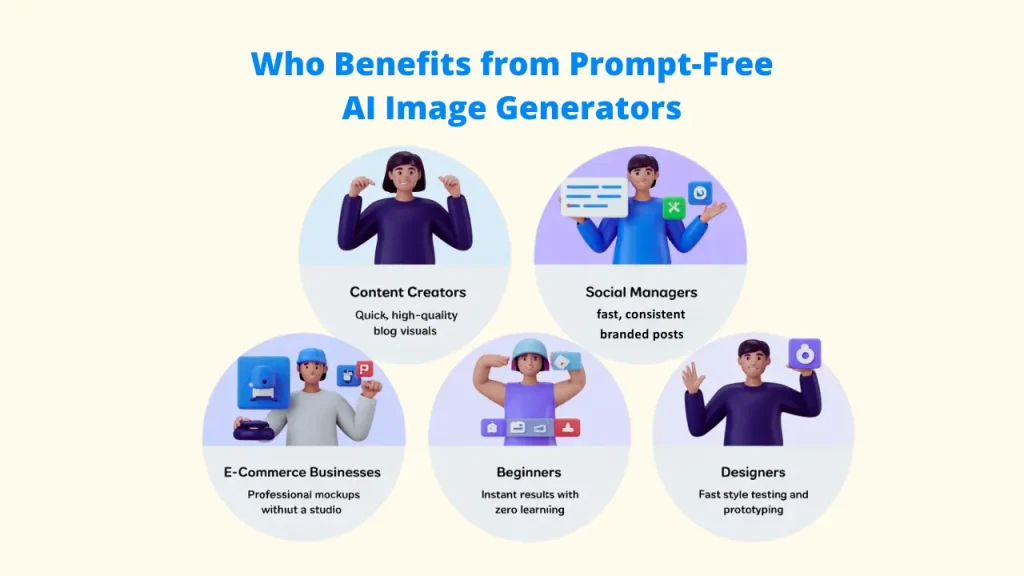
| User Group | Key Benefit | Use Case Example |
| Content Creators | Quick, high-quality visuals for articles. | Generating a unique, relevant blog header image in seconds. |
| Social Media Managers | Fast, consistent visuals for daily posts. | Applying a consistent brand filter or style to a dozen different photos. |
| E-commerce Businesses | Professional product photography without a studio. | Removing a background and creating a product mockup on a stylized table with one click. |
| Beginners / Non-Designers | Zero learning curve, instant results. | Creating a presentation graphic without any design knowledge. |
| Designers | Rapid prototyping and style testing. | Quickly testing 10 different stylistic variations of a logo or concept art. |
6 Best AI Image Generators Without Prompts
1. Pixci
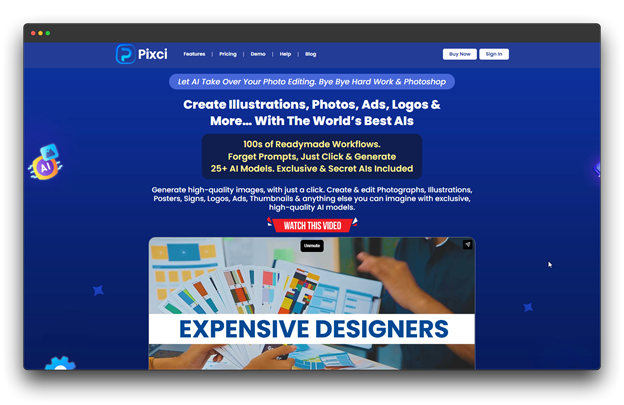
An overview
Pixci is an all-in-one AI design tool that helps you create professional graphics without writing prompts. This AI image Generator Without Prompts uses smart workflows instead of long instructions. You simply choose what you want to make, and the AI does the rest.
With so many ready-made workflows, you can quickly create logos, product images, banners, and social media visuals in just a few clicks.
Key Benefits for Pixci
📌 Automatically picks the best AI model for each task
📌 High-quality images suitable for print and digital use
📌 Built-in tools like background removal, image upscaling, and photo repair
📌 Smart “Magic Prompt Enhancer” for better output with zero effort
Pricing: Plans start at $27 per month (Elite plan).
Perfect For
Pixci is ideal for designers, marketers, and content creators who want a complete AI design solution without using complex prompts or juggling multiple tools.
2. Playform
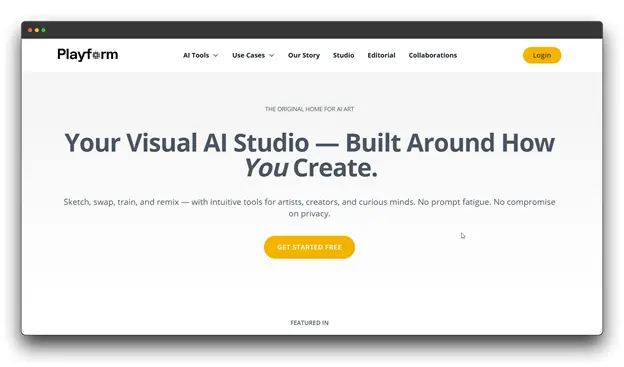
An overview
Playform is an AI design tool made for artists and designers who want to work with AI, not just give it commands. Instead of using text prompts, it focuses on style transfer and visual attributes.
You upload an image, and the AI creates many new versions that match your chosen look and feel.
Key Benefits for Playform
📌 Keeps branding and visual style consistent
📌 Built-in face swap and styling features
📌 Private and secure image creation
📌 Fully prompt-free; works only with uploaded images
Pricing: At $30 per month for Pro Unlimited Production, with an additional cost for each high-resolution download.
Perfect For
For illustrators, brand designers, and other visual artists who require a consistent style across several projects or campaigns and prefer image-based workflows, Playform is perfect.
3. VisualGPT
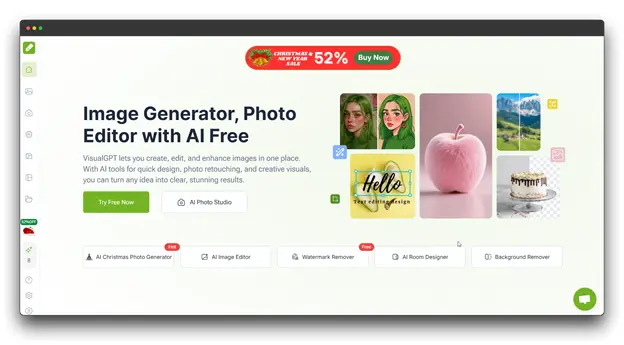
An Overview
VisualGPT is an all-in-one AI image generator without prompts tool that combines image creation, editing, and enhancement in one clean interface. With built-in presets, filters, and templates, it delivers professional results without writing prompts.
Instead of relying on text, VisualGPT works mainly with visual input. The AI instantly transforms a sketch or photo into a polished, superior image when you upload it.
Key Benefits for VisualGPT
📌 Easy-to-use interface for beginners
📌 Preset styles and filters for fast results
📌 Built-in upscaling and image touch-up tools
📌 Template library for common design tasks
📌 Quick processing for faster revisions
Pricing: $69.9 per month with a one-time billing for the Professional Pack and Creative Freedom plan.
Perfect ForContent creators and small businesses seeking a simple, all-in-one image creation tool without prompt engineering or multiple apps.
4. PicLumen
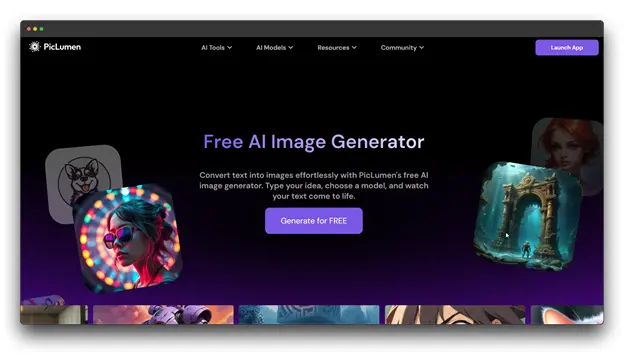
An Overview
PicLumen is designed for creators who prefer visual guidance over long text. You can upload a style reference image, and the AI will recreate the look and feel—no need to explain in words.
It’s a multi-model AI platform that creates both images and short videos, helping you turn ideas into visuals almost instantly.
Key Benefits for PicLumen
📌 Accepts text, reference images, or simple “vibe” inputs
📌 Creates images and videos on one platform
📌 Style transfer and background editing tools included
📌 Real-time rendering for fast results
Pricing: At $29.9 per month, designed for agencies and large-scale projects, with commercial usage rights included.
Perfect For
Influencers, digital artists, and content producers who require AI-generated photos and brief films for websites like YouTube, Instagram, and TikTok will find PicLumen to be perfect.
5. Leonardo AI
An Overview
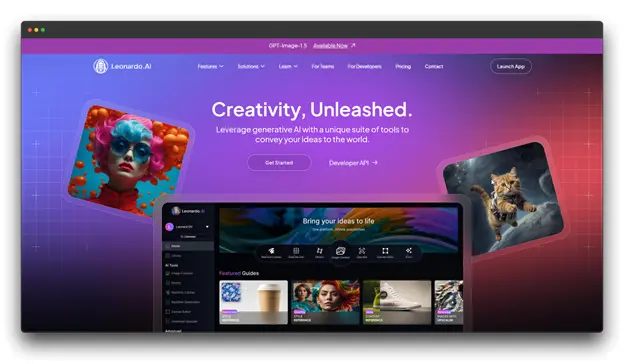
With just one click, you can apply pre-made styles using Elements and Style References thanks to Leonardo AI’s no-code image generation.
Originally built for game developers, it now creates photorealistic images, concept art, and character designs through simple, low-prompt workflows, with Flow State and Realtime Canvas enabling real-time creation.
Key Benefits for Leonardo AI
📌 Flow State creates endless variations from one idea
📌 Realtime Canvas turns sketches into images in real time
📌 PhotoReal mode for highly detailed, realistic visuals
📌 Built-in canvas editor and one-click background removal
Pricing: Starts at $48 per month on the Maestro Unlimited plan, including training up to 50 personal AI models and unlimited ultra image generations.
Perfect For
Leonardo AI is ideal for designers, game artists, and creative teams who need high-quality visuals and professional tools without complex prompt writing.
6. Canva AI Image Generator
An Overview
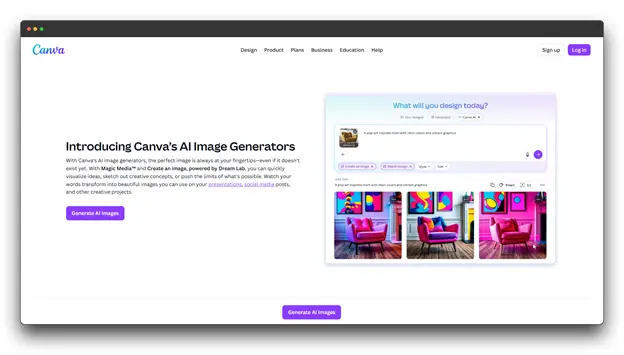
AI image creation directly within Canva, powered by Leonardo AI’s Phoenix model, allows you to create images and use them instantly in presentations, social media posts, and marketing designs, with no additional tools or complex prompts required.
You can generate visuals and drop them straight into your designs, keeping everything fast and simple.
Key Benefits for Canva AI Image Generator
📌 Handles multiple subjects and photorealistic images
📌 Image reference option for better accuracy
📌 Works instantly with templates and brand kits
📌 One-click background removal and easy editing
📌 Fully built into Canva’s design platform
Pricing: Custom pricing, based on your Canva plan and usage.
Perfect For
Canva AI Image generator without prompts is perfect for marketers, educators, and small teams who want quick AI image creation without leaving Canva or learning new tools.
7. RightBlogger AI Image Generator
An Overview
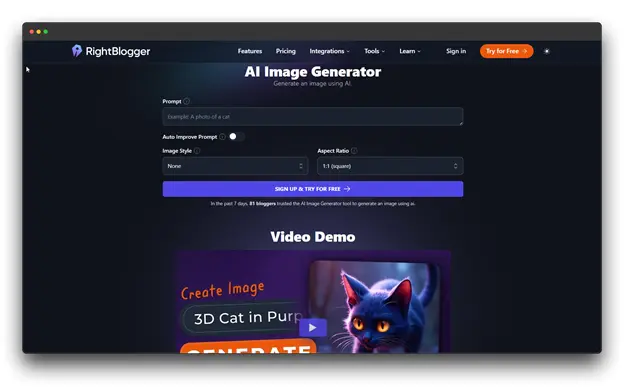
This AI image generator without prompts tool is designed specifically for bloggers and generates relevant post headers based on your blog’s title or content summary, with no additional prompting required.
It is an AI-powered blogging platform with over 80 tools, including a built-in image generator tailored specifically for content creators.
Key Benefits for RightBlogger AI Image Generator
📌 Supports multiple image sizes and visual styles
📌 Optimized for blog headers and featured images
📌 One-click publishing to WordPress, Webflow, and Ghost
📌 Built-in image editor for quick edits and adjustments
Pricing: $29.9 per month for the pro plan with autoblogging and scheduling.
Perfect For
RightBlogger is ideal for bloggers, writers, and publishers who want one platform to create content and images without managing multiple tools or subscriptions.
Tips to Get Better Results with AI Image Generators Without Prompts
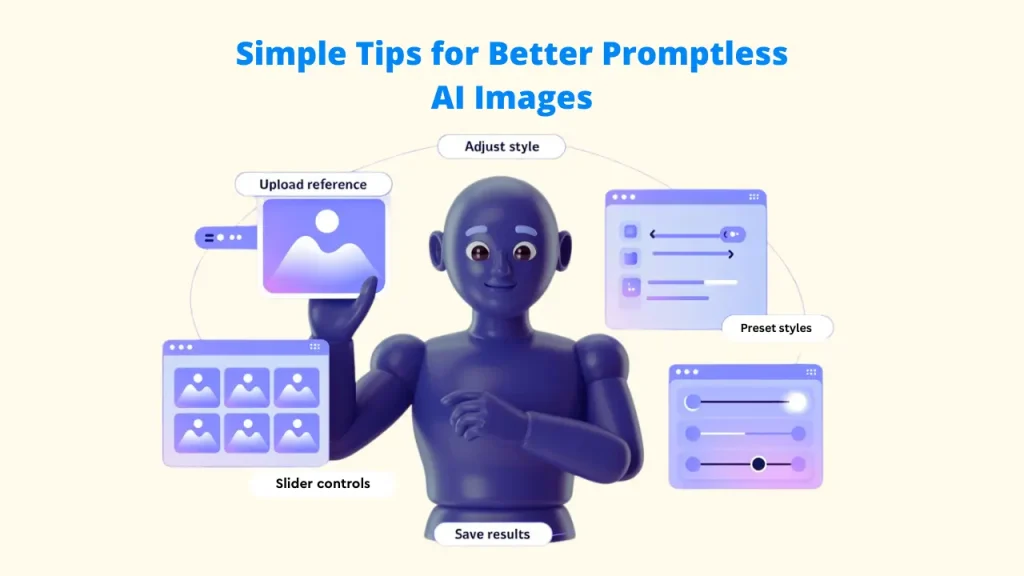
Even if a tool doesn’t need prompts, a few smart steps can help you get much better images. Try these easy tips:
1. Start with Clear, High-Quality Images
When using image-based tools like Pixci or Playform, always upload sharp and well-lit images. Clean visuals help AI Image Generators Without Prompts understand your goal and deliver better output.
2. Use Multiple Reference Uploads
Most tools perform better when you add 3–10 reference images. Use pictures that show different angles, colors, or styles. This gives AI Image Generators Without Prompts a clearer idea of your preferred look.
3. Explore Different Preset Styles
Don’t stop at the first result. Explore various presets and workflows to see what works best. A small style change can create a big visual difference, especially with advanced AI Image Generators Without Prompts like Pixci.
4. Leverage Simple Sliders Instead of Text
When available, use visual controls like style strength, detail level, or color saturation. These intuitive adjustments often work better than trying to describe changes in words.
5. Iterate with Small Changes
Start with a broad idea, then refine it. Generate quick options, pick the best result from your AI Image Generators Without Prompts, and adjust it slightly using built-in editing tools.
6. Save Your Favorites
Most platforms let you save or bookmark your favorite images. Create a personal library and reuse these visuals as references for future projects.
Conclusion
Prompt-free generators represent the democratization of AI art, making professional-quality visual creation accessible to everyone, regardless of technical expertise.
These tools save time, eliminate frustration, and let you focus on creativity rather than prompt engineering.
After considering all of my options, Pixci emerged as my preferred AI Image Generators Without Prompts tool. It truly is the all-in-one image generation solution, with over 150 pre-built workflows and comprehensive editing features all on one platform.
Don’t let another project get delayed by prompt engineering struggles. Choose one tool from this list that matches your needs and budget.
The future of AI is moving beyond prompts. Join the movement and start creating visually instead of verbally.