
Ever spent too much time designing visuals or scrolling forever to find the right stock image?
You’re not alone, and this is exactly where online AI image generators and editors step in.
Today, AI has changed the way we create visuals. With more than 34 million AI images produced every day, it’s clear that creators, brands, and businesses are depending on AI more than ever.
Using these online AI image generator & editor tools, you can transform simple text into attractive images and tweak visuals in no time. No heavy software, no long waiting, just fast and easy creation right inside your browser.
They save time, reduce costs, and make high-quality design available to everyone, whether you’re a marketer, designer, or someone who just loves creating.
This blog post discusses seven online AI picture generators and editor tools that are noted for their quick results, superior output, and intelligent editing choices, assisting you in selecting the best tool for your project.
Why should you use an online AI image generator & editor?
AI design tools aren’t just a cool upgrade; they’re changing the way we create visuals every day. They make the entire process faster, easier, and far more creative.
Advantages of Online AI Image Generator & Editor Tools
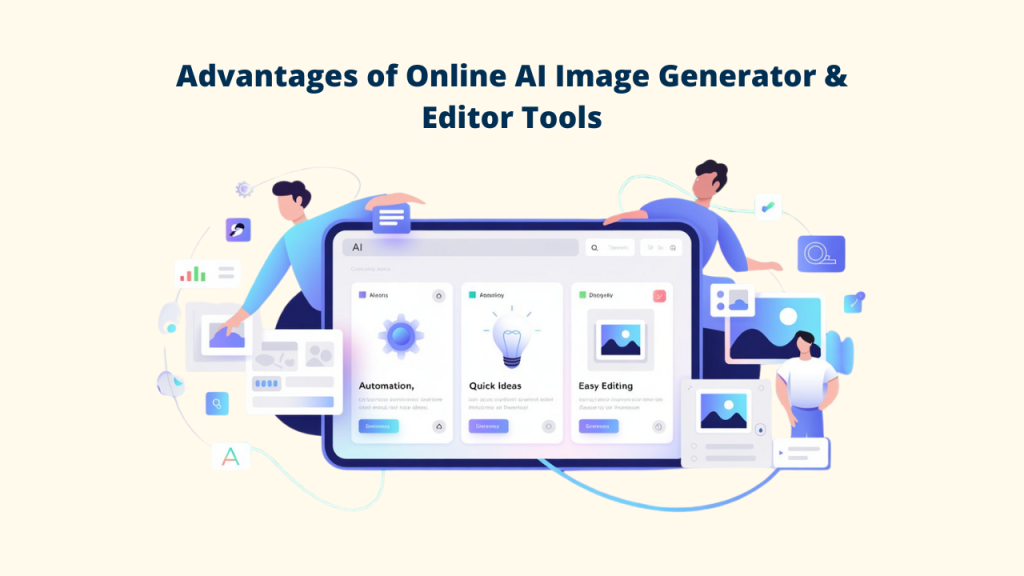
➕ Smart automation: Let AI handle boring tasks like removing backgrounds, fixing colors, or adjusting objects in the image.
➕ Quick ideas: Create many design versions within minutes instead of spending hours.
➕ Easy for everyone: Make high-quality visuals without learning complex software or design skills.
Popular Use Cases
– Content creation: thumbnails, banners, blog graphics
– Marketing: ad creatives, campaign visuals
– Design: concept art, posters, illustrations
– E-commerce: product photos, mockups, background removal
Understanding Online AI Image Generator & Editor
What Are Online AI Image Generators?
AI image generators are tools that turn your written ideas into visuals. They utilize advanced algorithms, primarily diffusion models, to read your text and generate a brand-new image based on it.
How Text-to-Image Works
All you have to do is type a prompt, such as “a neon cyberpunk cat in a suit, cinematic style,” and the AI will turn that description into an image.
Popular AI Models Behind the ai image generators and editor Tools
Most of these platforms rely on well-known models such as Stable Diffusion (open-source) or powerful proprietary systems like Google’s Imagen, along with other models developed by major AI research teams.
Online AI Image Generator and Editor Tools Will Be Shaped by These Trends
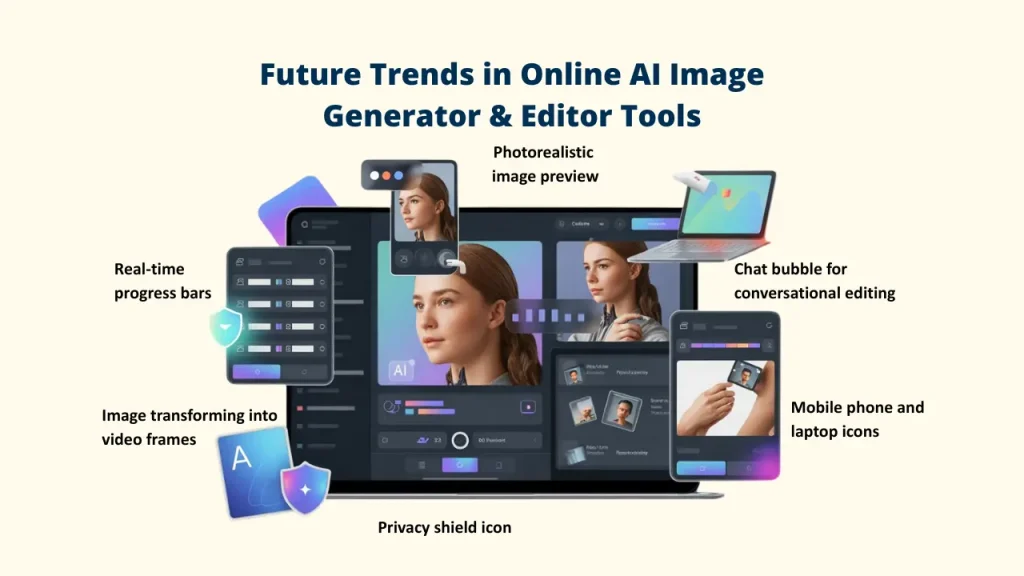
🔺 Photorealistic Outputs
AI images and visuals are now so realistic that it’s hard to tell them apart from real photos.
Platforms like Pixci also push this further by offering advanced AI photo editing and access to uncensored models for more flexible creation.
🔺 Conversational AI Editing
New tools like this can integrate natural language processing, allowing you to edit images through simple conversation rather than complex menus and sliders.
🔺 Real-Time Generation and Hybrid Workflows
Faster models now give real-time previews and let you use multiple AI tools together in one process, making creation smoother and quicker.
🔺 On-Device Processing for Privacy
Many online AI generators & editor tools no longer need the cloud. Lightweight models from Apple, Samsung, Stability AI, and others can run directly on your phone or laptop, keeping your data fully private.
🔺 Multimodal Integration
In the upcoming years, AI Image Generator & Editor tools won’t function independently. In order to produce richer, more dynamic content, they now easily integrate with text, audio, and even code.
🔺 Mobile-First Solutions
With more powerful smartphones, high-quality AI image generation is now easier to do on the go, making creativity portable.
🔺 AI-Powered Video Generation from Images
The gap between images and videos is closing. Many tools now offer features that can turn a still image into a dynamic short video or animated clip.
7 Top Online AI Image Generators & Editors
1. Pixci
Brief Overview
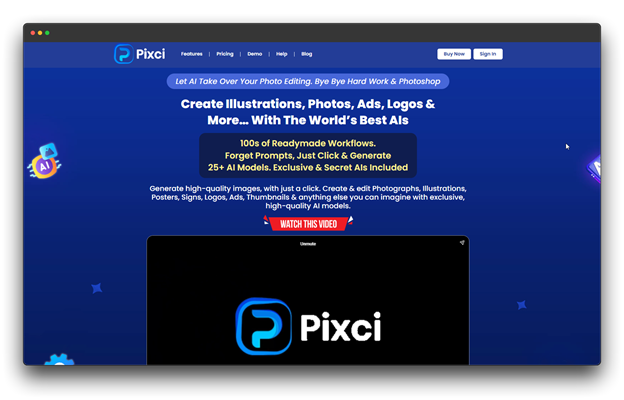
You can work with numerous AI models from a single location with Pixci, a potent all-in-one AI image generator and editor.
Instead of limiting you to a single engine, Pixci automatically picks the best model for your task, whether you’re designing artwork, logos, graphics, or anything creative.
Major Advantages
🎯 Magic Prompt Enhancer: Expands simple prompts into detailed, creative commands.
🎯 Access to Multiple Models: Use 10+ AI engines without separate subscriptions.
🎯 All-in-One Editing: Background removal, inpainting, and image-to-image tools.
🎯 Smart Library: Keeps all your creations organized and easy to search.
🎯 Flexible Control: Fine-tune quality, style, and precision.
Cost: $27 a month for a personal use license, with credits.
Perfect ForCreators, marketers, and small businesses who want a full AI design studio that’s simple, powerful, and removes the need to jump between multiple tools.
2. Hailuo AI
Brief Overview
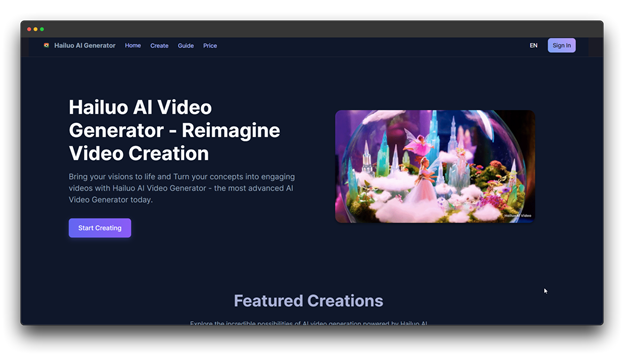
A versatile tool for creating images and videos is Hailuo AI. Its unique feature, image-to-video animation, makes it particularly well-liked by social media creators and digital marketers. It can transform your text prompts or still images into high-quality visuals.
Major Advantages
🎯 Text-to-Image & Image-to-Video: Create static visuals or short 6–10 second animated clips in seconds.
🎯 Wide Style Options: Pick from cinematic, 3D, watercolor, cyberpunk, and many more looks.
🎯 Director Mode: Adjust virtual camera movement and angles to add more depth to your visuals.
🎯 Quick Rendering: Produce HD-quality content fast.
Pricing: $49.9 per month for watermark-free content.
Perfect For
Marketers, educators, and social media creators are creating short-form content for YouTube Shorts, Instagram Reels, and TikTok.
3. Midjourney
Brief Overview
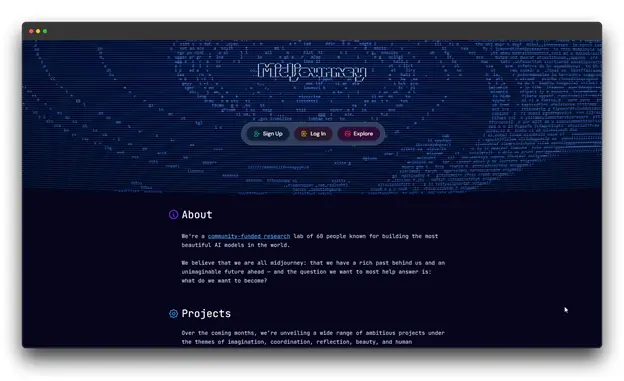
Midjourney sets the artistic standard for AI image generators, producing visually stunning, gallery-quality artwork. It is the preferred tool for creators who want style, depth, and aesthetic excellence in every image.
Major Advantages
🎯 Advanced Upscaling: Creates sharp, high-resolution images suitable for printing.
🎯 Active Community: Explore millions of shared artworks for ideas and inspiration.
🎯 Flexible Modes: Use Fast mode for quick results or Relax mode to save credits.
🎯 Multiple Versions: Pick from different model versions to match your preferred art style.
Pricing: $41.98 per month, which includes access to resources and batch image downloads.
Perfect For
Artists, designers, and creative professionals who value strong visuals and artistic storytelling. Great for anyone working on projects that need polished, gallery-level artwork.
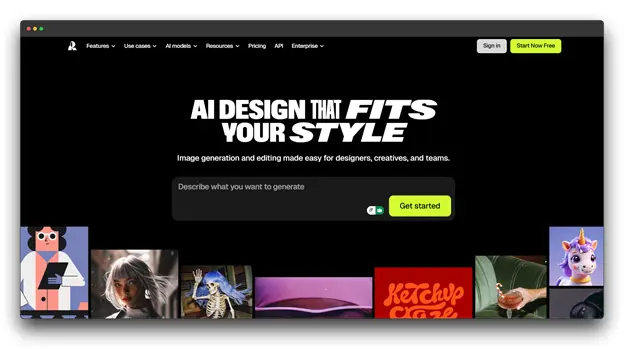
4. Recraft V3
Brief Overview
Hugging Face’s Text-to-Image Benchmark shows that Recraft V3 is one of the best AI image generators on the market today.
With remarkable accuracy in text rendering and vector-style graphics, it is designed for serious design work. This makes it a standout choice for brands and designers who need sharp, precise visuals.
Major Advantages
🎯 Vector Art Output: Generates fully scalable SVG images for print and digital use.
🎯 Brand Color Fidelity: Matches exact brand palettes for consistent visual identity.
🎯 Built-In Editing Tools: Includes vectorization, background removal, and upscaling.
🎯 Infinite Canvas: Enables real-time team collaboration on shared projects.
Pricing: $55 per month with centralized account management.
Perfect For
Design teams, branding specialists, and businesses that need clean text, sharp vector graphics, and reliable color accuracy for logos, ads, and other professional design tasks.
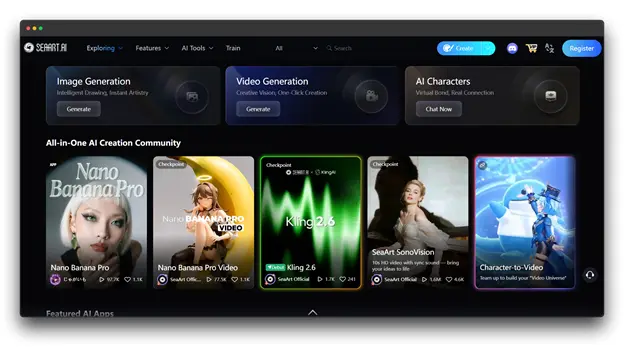
5. SeaArt
Brief Overview
SeaArt is a platform for making anime-inspired images, illustrations, and character art. It’s especially popular among digital artists, game developers, and storytellers because it creates detailed, stylized characters with remarkable accuracy and consistency.
Major Advantages
🎯 Anime & Illustration Models: Fine-tuned for character art and stylized designs.
🎯 Character Consistency: Recreate the same character across multiple scenes.
🎯 Style Templates: Quick-start presets for popular art styles.
🎯 Inpainting & Outpainting: Edit, extend, and refine images seamlessly.
Cost: Tasks for Generation Concurrently with the premium model of AI characters cost $41.26 a month.
Perfect For
Anime artists, game developers, and storytellers are creating character-driven visuals for games, visual novels, or entertainment content.
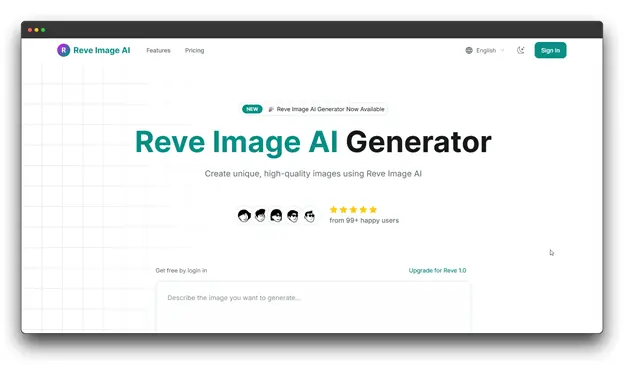
6. Reve Image
Brief Overview
Reve Image positions itself as a user-friendly online AI image generator focused on simplicity and speed. It’s designed for users who want quick results without diving deep into technical settings or complex prompts.
Major Advantages
🎯 Simplified Interface: Intuitive design that minimizes learning curve.
🎯 Quick Generation: Fast processing times for rapid iteration.
🎯 Basic Editing Tools: Essential editing features built in.
🎯 Multiple Export Options: Download in various formats and resolutions.
Pricing: $39.9 a month, which includes a commercial license and round-the-clock support.
Perfect For
Beginners, casual users, and small business owners who need quick, quality visuals without the complexity of advanced tools. Ideal for social media managers and content creators prioritizing speed over fine-tuned control.
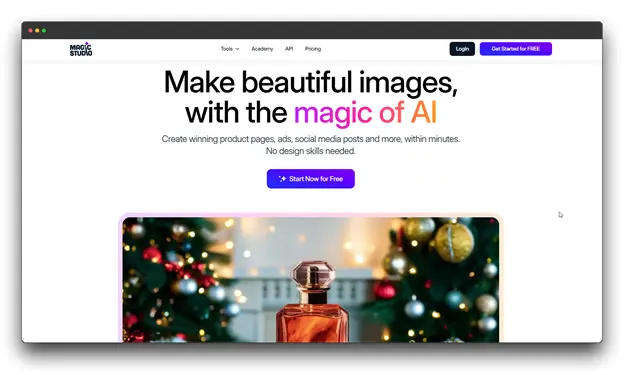
7. Magic Studio
Brief Overview
This tool for Magic Studio combines an online AI image generator & editor into a single, user-friendly workspace. It’s designed to be simple while also providing professional-grade content creation and enhancement tools.
Major Advantages
🎯 All-in-One Platform: Create and edit without switching tools.
🎯 Background & Object Removal: Clean visuals with one click.
🎯 AI Enhancement: Upscale, restore, and refine images automatically.
🎯 Prebuilt Templates: Speed up design for common use cases.
🎯 Batch Editing: Process multiple images at once.
Pricing: $27.77 per month, bulk editing for select tools
Perfect For
E-commerce sellers, marketers, and photographers need a fast, unified platform for product visuals, social media graphics, and promotional content.
Comparison Table for Online AI Image Generator & Editor Tools
| Tool name | Key Features | Best For | Pricing |
| Pixci | Multi-model support, magic prompt, full editing tools | Creators & small businesses | $27/mo |
| Hailuo AI | Text-to-image, image-to-video, style options | Marketers & short-form creators | $49.9/mo |
| Midjourney | High-quality art, strong upscaling, and creative modes | Artists & designers | $41.98/mo |
| Recraft V3 | Vector output, brand colors, pro editing | Design teams & branding work | $55/mo |
| SeaArt.ai | Anime models, character consistency, templates | Anime artists & game creators | $41.26/mo |
| Reve Image | Simple UI, fast results, basic editing | Beginners & social media users | $39.9/mo |
| Magic Studio | All-in-one editor, removal tools, batch editing | E-commerce & marketers | $27.77/mo |
Capabilities to Watch in Online AI Image Generator & Editor
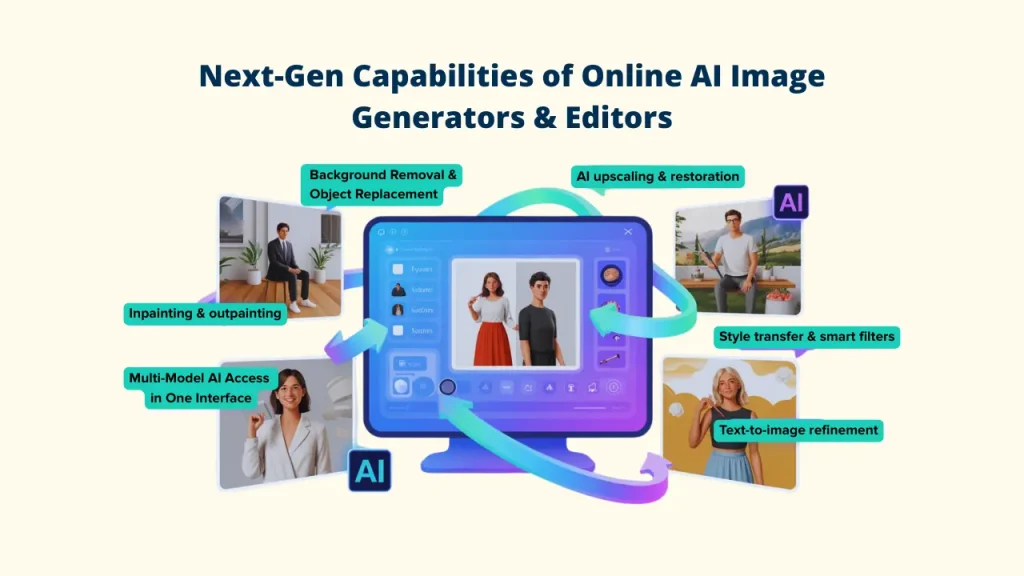
A. Background Removal and Object Replacement
These days, online AI image generator & editor tools can cut subjects with extreme accuracy and instantly switch backgrounds. This has completely changed product photography, helping online sellers create clean, professional lifestyle images without hiring a studio or photographer.
B. AI Upscaling and Restoration
Modern online AI image generator & editor tools that can upscale and restore images can increase resolution while adding natural detail rather than simply stretching pixels.
Restoration tools can fix old photos, remove noise, clean up blurry images, and turn low-quality visuals into sharp, polished results.
A single interface that offers access to more than 25 AI models, including exclusive, secret, and uncensored models, is possible with the help of Pixci.
C. Style Transfer and Smart Filters
Apply the aesthetic of one image to another, converting photos into paintings, applying specific artistic movements, or automatically matching brand aesthetics across entire image libraries.
D. Refinement from Text to Image
You no longer need to start from scratch. Just tell the AI what to change using simple language like “make the sky brighter,” “change the dress to blue,” or “add a smile.”
These natural language edits are getting smarter and more accurate every year.
E. Inpainting & Outpainting Advances
Inpainting lets you fix or replace only certain parts of an image while leaving the rest untouched.
Outpainting expands the image beyond its original frame, giving you wider scenes and bigger compositions.
Both features have advanced a lot, now producing smooth, realistic results that blend perfectly with the original image.
Conclusion
The shift in visual content creation is already happening, and it’s completely changing how we design and share ideas.
Creating beautiful images is now faster, easier, and more cost-effective than ever, thanks to online AI image generator & editor tools.
The revolution of online AI image generator & editor tools for visual content is well underway. The design industry has completely changed as a result of the speed, quality, and accessibility provided by programs like Pixci, Midjourney, and Recraft V3.
Whether you are a solo creator looking for instant graphics or a large marketing team requiring high-precision assets, an AI generator and editor is now an indispensable part of your toolkit.
To experience the entire range of generation and editing features in one location, you encourage yourself to experiment, beginning with a strong, adaptable option like Pixci.
Start exploring your favorite online AI image generator & editor today, and unlock a new level of creativity!
FAQs about Online AI Image Generator & Editor
Will I need design skills to use the online AI image generator and editor tools?
What are the best ways to enhance my prompts for AI image generation and editing tools?
Study successful prompts in community galleries, experiment with different phrasings, and iterate based on results.